
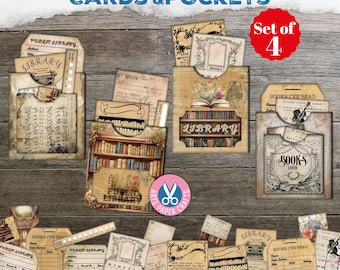
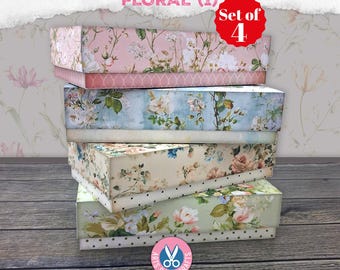
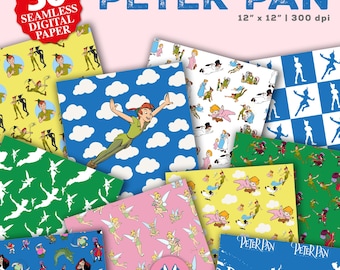
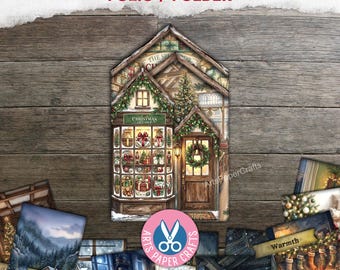





Welcome to Artspapercrafts!
Featured items
All items
Announcement
Last updated on Sep 1, 2026
Reviews
4.9
(5835)
Average item review
We calculate this number using a recency-weighted average of all ratings, with a rating's value decreasing by half each year to best reflect the current experience.
Loading
-

Jaye on Oct 16, 2026
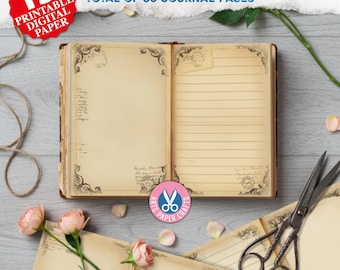
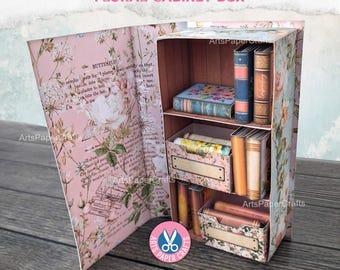
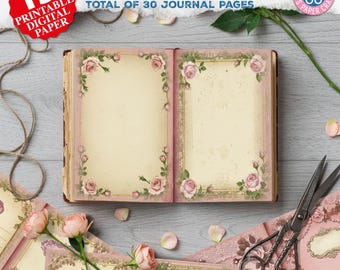
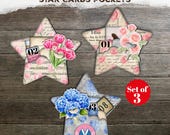
5 out of 5 starsVery pleased with my Page Pockets, Floral, Junk Journal, Shabby, Layered,
-

-

-

Karla on Oct 1, 2026
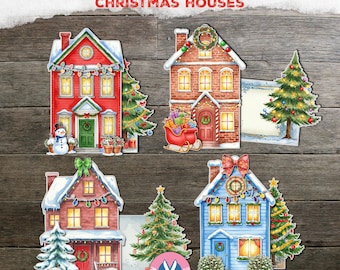
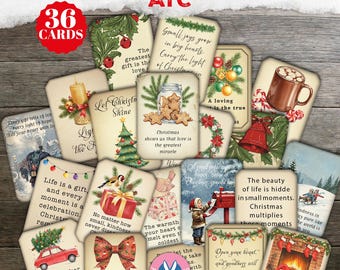
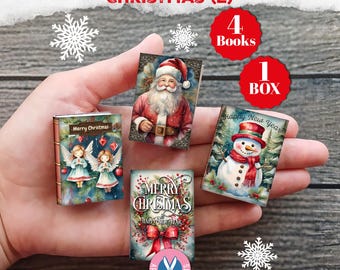
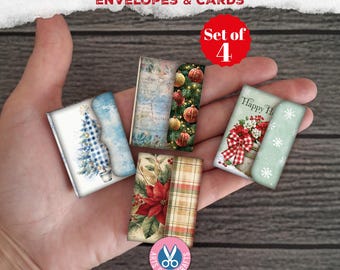
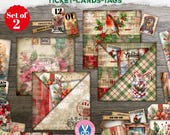
5 out of 5 starsLovely mellow vintage prints. Really cute designs. Something a little different from the usual Christmas images. Pleased with purchase. Downloaded easily and printed out nicely!
-

-
Donna on Sep 10, 2026
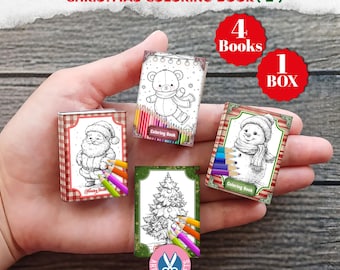
5 out of 5 starsLove these little beauties and I am sure the recipients will as well.
-

-
Michelle on Jul 17, 2026
5 out of 5 starsThank you so much, I love it. i just don.t know how to put it together. could you please send directions. thanks again Michelle
-

-

Shop policies
Last updated on Jul 2, 2023
Digital downloads
Instant downloads
Your files will be available to download once payment is confirmed. Here's how.
Payment options
Secure options
Accepts Etsy Gift Cards and Etsy Credits
Etsy keeps your payment information secure. Etsy shops never receive your credit card information.
Returns & exchanges
See item details for return and exchange eligibility.
Cancellations
Cancellations: not accepted
Please contact the seller if you have any problems with your order.
Privacy policy
More information
Last updated on
Dec 17, 2025
Frequently asked questions
**How do I download my files after purchasing?**
After you pay, you will be immediately redirected to your Etsy download page. You can also access your files and digital download history at any time from the You > Purchases & Reviews section of your profile. Your files will not be emailed to you, you will need to download them from Etsy through your profile. Artspapercrafts only offers digital products, so no physical/printed products will be shipped to your address. All of my files are available for immediate download. No more waiting to receive your purchase!
**Why did my download come as a PDF?**
Due to the large amount of high quality images, some of my listings may be larger than Etsy's file size limit. In this case, you will receive a PDF with a secure direct download link to your files. Open the PDF and click on the link to download your files. It's easy and fast, even my largest files will be available immediately after payment.
**Do you accept cancellations/returns?**
Due to the nature of my digital, instant downloadable products, ALL SALES ARE FINAL, so please read the listing descriptions and this FAQ before ordering. Digital orders cannot be canceled or returned after the order is placed.
**Can I use your images in digital scrapbooking kits or rebrand them for other digital kits?**
No. Images must be used in a finished design or product that your client does not intend to use creatively. Digital scrapbooking kits and scrapkits are design resources. This can include digital products such as invitations, calendars, art prints, planner stickers, printable party decor and games, logos, and branding materials. If you have any questions about a product, please send me a message!
**Most of my paper is 12x12, but my printer only uses standard paper. Can I still print your images?**
Yes. Most home printers have two ways to print larger images. You can tell your printer to shrink the image to fit on the page or to trim the edges that extend beyond the normal paper size. These features and requirements vary by printer.
**How do I open my files?**
Files are usually packaged in a ZIP format. You will need a ZIP opener on your computer (such as WinZip or 7-Zip) to open these files. Operating systems such as macOS and Windows 10 have built-in ZIP opening features. To open the files, right-click on the file and select "Extract" or "Open".
**Why won't my white images print?**
Standard home printers and most professional printing equipment use CMYK colors, but not white. C = cyan, M = magenta, Y = yellow and K = black, as you can see when you change ink or toner... there is no white. White images cannot be printed on just any paper, they require design work. The lightness of an image in a print is determined by the opacity or thickness of the color of the ink or laser toner used. Pure white images cannot be printed without special equipment.
**Why is the print quality not as I expected?**
Print quality can vary depending on your printer settings and the paper you are using. For best results, I recommend using a high-quality printer and white cardstock that is at least 90 lb. in weight. Also, setting your printer settings to "high quality" will improve the print quality. Make sure your printer drivers are up to date.
**Why don't colors look the same on my screen when printed?**
Colors are displayed on screen as RGB (red, green, blue), while printers use the CMYK (cyan, magenta, yellow, black) color mode. Therefore, colors on screen may vary slightly from colors in print. To get the most accurate colors, make sure your screen and printer are calibrated.