
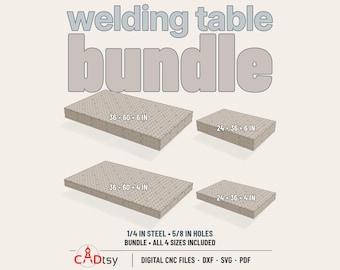
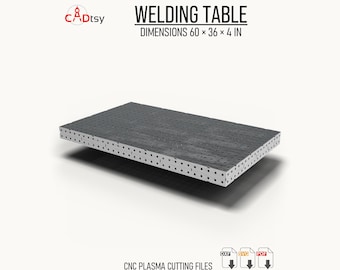
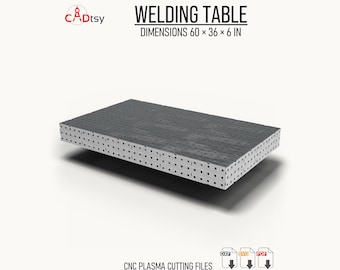
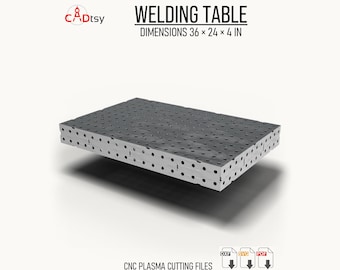





Practical CNC Cut Files for Makers and Fabricators
Featured items
All items
Announcement
Last updated on Jul 22, 2026
Reviews
4.7
(635)
Average item review
We calculate this number using a recency-weighted average of all ratings, with a rating's value decreasing by half each year to best reflect the current experience.
Loading
-

James on Sep 26, 2026
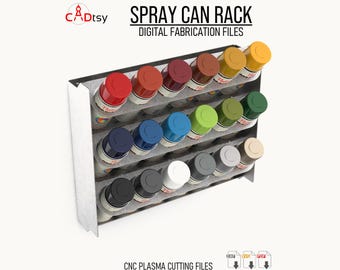
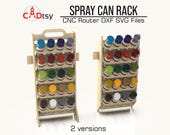
5 out of 5 starsWorked great changed tab slots and bend slots to accommodate 16ga mild steel everything went together and fell into place. Nice design

CADtsy responded on Oct 4, 2026
Thank you, James! I appreciate the details about adapting the tab and bend slots for your 16-gauge steel. Glad the spray can rack came together so well after your adjustments.
-
dray on Sep 10, 2026
5 out of 5 starsgood thx. I started drawing in aspire and then an hour deep I was close but decided to skip and download, resized parabolic to .73 mic Trupan viola
CADtsy responded on Oct 4, 2026
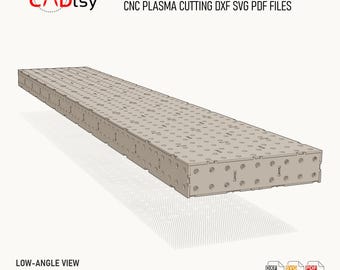
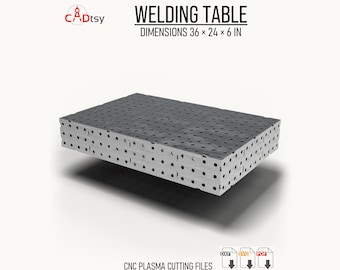
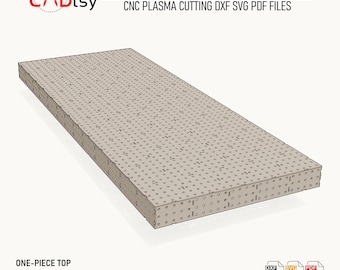
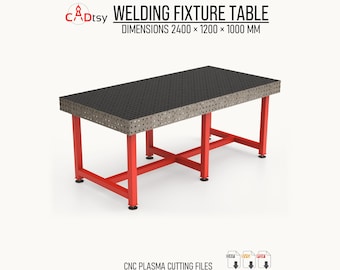
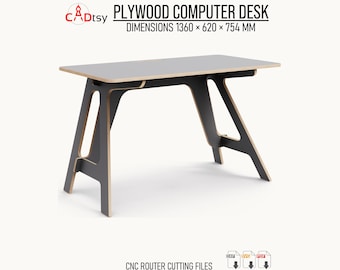
Thanks, Dray! Glad the table files saved you some drawing time and that you could adapt them to your Trupan board. I appreciate you sharing a photo of your project!
About CADtsy
Sales
10,059
On Etsy since 2021
Shop members
-

Ilya
Owner, Designer
Hi, I’m Ilya, the designer behind CADtsy. I create practical digital files for CNC plasma, laser, and router projects, with a focus on clean geometry, clear product information, and useful designs for makers and fabrication shops. Contact me anytime
-

Mufasa
Supervisor
Shop policies
Last updated on Jul 22, 2026
Digital downloads
Instant downloads
Your files will be available to download once payment is confirmed. Here's how.
Made-to-order downloads
I’ll create your items after purchase and you’ll receive an email when the files are ready to download. The time I need to complete these items can vary. Contact me if you have questions.
Payment options
Secure options
Accepts Etsy Gift Cards and Etsy Credits
Etsy keeps your payment information secure. Etsy shops never receive your credit card information.
Returns & exchanges
See item details for return and exchange eligibility.
Cancellations
Cancellations: not accepted
Please contact the seller if you have any problems with your order.
Privacy policy
More information
Last updated on
Jul 22, 2026
Frequently asked questions
Can I use CADtsy files commercially?
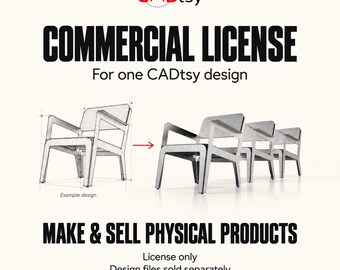
Unless a listing explicitly states otherwise, a standard purchase includes a limited, non-exclusive, non-transferable license to construct one physical item for personal use.
The digital files, or any part of them, may not be copied, shared, resold, rented, uploaded, or redistributed in any format.
Commercial manufacturing and permission to sell finished physical products are not included with the standard license. Contact CADtsy through Etsy Messages before purchasing to discuss commercial licensing. Commercial rights require separate written authorization.
How do I download my digital files?
Sign in to Etsy.com using a web browser, open Your account, select Purchases, and choose Download Files beside your CADtsy order.
Digital purchases cannot currently be downloaded through the Etsy mobile app. Use Etsy.com in a mobile browser or on a computer instead.
If you purchased as a guest, use the download link in the receipt email sent by Etsy. Check your spam, junk, Social, and Promotions folders if the email is missing.
If your payment is still processing, the Download Files button may remain unavailable temporarily.
For Etsy’s complete instructions, visit:
https://help.etsy.com/hc/en-us/articles/115013328108-How-to-Download-a-Digital-Item
How do I open a RAR archive?
Some CADtsy products with multiple files are supplied as a compressed RAR archive. Extract the archive before opening or importing the included project files.
1. Download the complete RAR file to your computer.
2. Extract it with 7-Zip or WinRAR on Windows, or Keka or The Unarchiver on macOS.
3. Open the extracted folder.
4. Import the required DXF, SVG, PDF, or other included file into your software.
Do not import the RAR archive directly into CAD, CAM, or cutting software.
If extraction fails, download the archive again. If you still need help, send me an Etsy message with the product name, operating system, and a screenshot of the error.
Why does my DXF import at the wrong size?
CADtsy DXF designs use millimeters unless the listing states otherwise. A unit mismatch between millimeters and inches commonly causes incorrect scaling.
If the design appears 25.4 times too large, re-import it using millimeters. If changing the import units is impossible, scale the entire design by 0.03937, or 3.937%.
If it appears 25.4 times too small, scale the entire design by 25.4.
Confirm a known dimension from the listing or included drawing before cutting. Scale all parts together, not individually. Material thickness and kerf can also affect tab-and-slot fit, so make a small test cut when appropriate.
What material thickness should I use, and is kerf included?
Material thickness requirements vary by product. Check the individual listing and included documentation, and use the file variant made for your material thickness when one is provided.
Measure the actual sheet with calipers because nominal thickness can differ from its true thickness.
Kerf compensation is not built into the design unless explicitly stated. Kerf varies by machine, process, material, consumables, power, speed, and other settings. Apply the appropriate compensation in your CAD/CAM software based on your machine and a test cut.
For tab-and-slot projects, make a small fit test before cutting the complete project.
What file formats will I receive?
Included file formats vary by product. Review the individual listing before purchasing to confirm exactly what is provided.
A CADtsy download may include DXF cutting files, SVG vector files, PDF drawings or assembly information, AI files, TXT instructions, or other supporting documents. Not every product includes every format.
Some products are delivered inside a ZIP or RAR archive, which must be extracted before using the included files.
PDF documents are generally provided for dimensions, reference, or assembly information and should not be assumed to be CNC cutting files unless the listing explicitly says otherwise.
Looking for more? Find it on Etsy