






















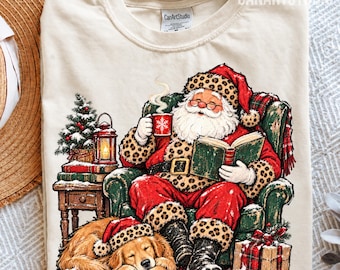

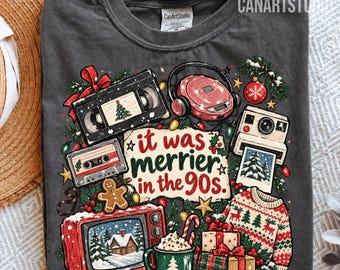
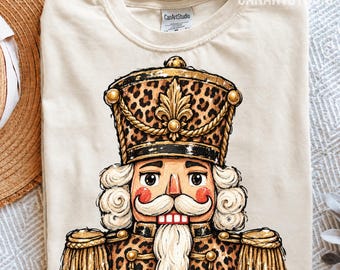
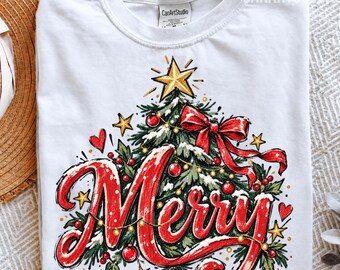








Welcome to CanArtStudio
Featured items
All items
Announcement
Last updated on Jun 27, 2026
Reviews
4.9
(8043)
Average item review
We calculate this number using a recency-weighted average of all ratings, with a rating's value decreasing by half each year to best reflect the current experience.
Loading
-

-
-

-
Melissa on Sep 11, 2026
5 out of 5 starsSo cute and easy to download! Exactly what I was looking for!
-
-

-

-
-
-
About CanArtStudio
Sales
140,951
On Etsy since 2020

Shop policies
Last updated on Sep 17, 2020
Digital downloads
Instant downloads
Your files will be available to download once payment is confirmed. Here's how.
Payment options
Secure options
Accepts Etsy Gift Cards and Etsy Credits
Etsy keeps your payment information secure. Etsy shops never receive your credit card information.
Returns & exchanges
See item details for return and exchange eligibility.
Cancellations
Cancellations: not accepted
Please contact the seller if you have any problems with your order.
More information
Last updated on
Dec 17, 2025
Frequently asked questions
Do you do custom orders?
Yes, I can create custom orders. Please message us through Etsy's message system to discuss your design.
How do I extract files from a zip folder?
- Double click on the folder to open it
- Click on the file you need
- Click extract at the top. This will make a copy of the file and put it on your computer. Most computers send the files to the downloads folder
- Upload your extracted file to your program
I downloaded my files but they are not working and giving me an error. What should I do?
Sometimes files become corrupt during the download process. Just delete the files, and go to your Purchases page from the Etsy homepage to download the files again.
If you are still experiencing a problem please message me and I will be able to help you.
Can I use your files for commercial use?
You may use my files as a small crafting business. This means you can use the files to make physical items using your die cut/plotting machine (such as Cricut, Silhouette, Scan n Cut, etc) to sell in your shop or locally.
How Can I Download My Files ?
To access your digital files, go to You > Purchases and reviews and look for the order.
To the right of the order, click Download Files. This goes to the Downloads page for all the files attached to your order.
Digital Downloads on Etsy:
https://www.etsy.com/help/article/3949
Looking for more? Find it on Etsy