
Featured items
All items
Announcement

Reviews
-

Laura on Jun 20, 2026
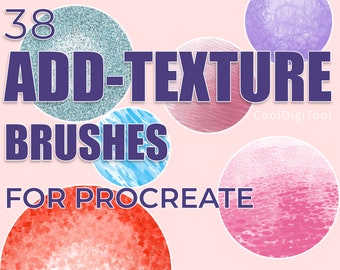
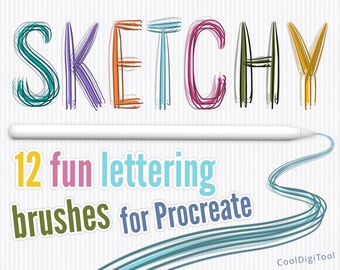
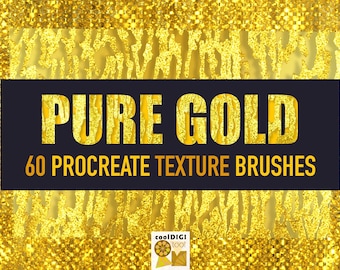
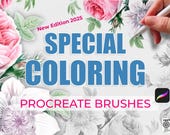
5 out of 5 starsThis pack is AMAZING. The textures look great and it’s nice to not have to pull in paper overlays anymore I can just choose an overlay brush right in the app. Genuinely love this set
-

-
Gwen on Feb 6, 2026
5 out of 5 starsReally nice brushes for Procreate! Easy to use, endless possibilities for creating gradients for backgrounds, etc.
-
-

-

-

-

EponineSdeR on Aug 16, 2025
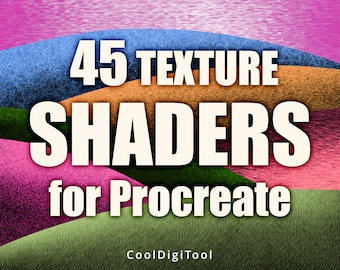
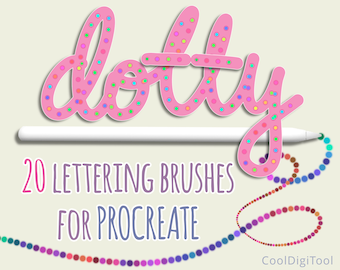
5 out of 5 starsIt’s a floof bonanza! I’m seriously in love with these brushes. This seller consistently sells fun, high-quality brushes (I’ve purchased severa, lol.) On top of that, she is a customer service superstar who went out of her way to make sure I had everything I needed. Thank you, Aga!
-

Paperdreamer on Jul 15, 2025
5 out of 5 starsThese are professionally created brushes! They are truly inspiring, and a perfect addition to my artistic toolbox. ❤️
-

Kelly on May 14, 2025
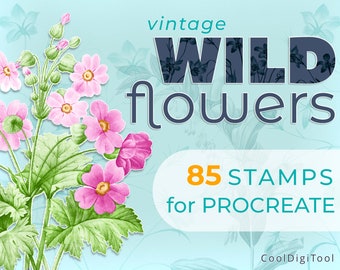
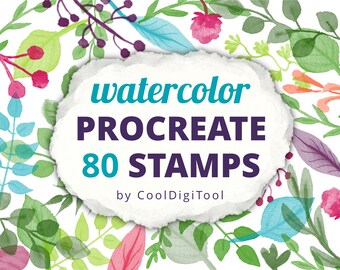
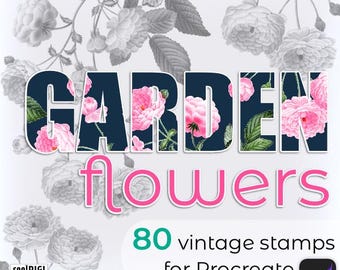
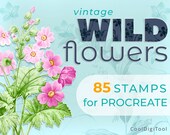
5 out of 5 starsI’m very happy with how pretty these wildflower stamps are and can’t wait to try all of them.




About CoolDigiTool
Shop policies
Digital downloads
Payment options
Returns & exchanges
Cancellations
Cancellations: not accepted
Please contact the seller if you have any problems with your order.
Privacy policy
More information
Frequently asked questions
1. How can I download the files I purchased?
IF YOU HAVE AN ETSY ACCOUNT:
After your purchase you’ll see “Thanks for your order” page. Tap "View your digital files" or Order # to be taken to the Downloads page.
The download link(s) you'll find also in a notification email you'll receive from Etsy, as well as on your Etsy account:
1. Log in to Etsy and tap your icon
2. Select “Purchases and Reviews”
3. Find your order and tap the black “Download Files” button (if your payment is still processing, the button will be gray)
4. Check Downloads folder on your iPad
At now you can't download a digital file through Etsy app. Please, sign in to Etsy through a web browser.
IF YOU DID A PURCHASE AS GUEST, you will find a link to Downloads in the receipt email sent to you after purchase.
2. I cant’t find the password to download files. Can you help?
You can find the password together with the file(s) to download, on your Downloads page on Etsy.
To get access to the password through your Etsy account:
1. Login to Etsy account and click your profile’s icon
2. Select “Purchases and Reviews”
3. Find your order and tap the black “Download Files” button
4. You will see a note with the password above the download link
Besides, you can find the password - also when you don’t have an Etsy account - in the notification email that you received after your purchase, in a message to buyers placed below your order details.
3. Can I download the brushes I purchased from you anytime?
You should download the files to your personal device within TWO WEEKS from the date of your purchase. After that period the source files may no longer be available to download.
4. The password is not working. Please help.
Please make sure that you typed the password correctly, using small or capital letters, as indicated.
When downloading the files from Dropbox, follow exactly the instruction given in the PDF. Downloading process may differ slightly depending on the device and settings, but the method I gave in the PDF should work in most cases.
If still having problems, contact me through Etsy Messages.
5. I have not received my file I purchased this morning.
Downloads are available once your payment is confirmed. If you paid with PayPal or a credit card on Etsy, confirmation may take a while.
Etsy will send you a download notification email separate from any transaction notification emails. If you can’t find such download notification email in your inbox, please check your spam/junk folder, and in case you use Gmail, also your Social and Promotions folders.
6. I can’t download the files. It keeps downloading forever.
It’s possible that there’s an issue with your internet connection or your web browser.
If your internet is slow, it may help if you temporarily turn off iCloud Drive on your iPad: go to Settings, at the top of the Settings list tap your icon, select iCloud, find iCloud Drive and turn it off.
If doesn’t help, please disable also any non-standard add-ons or toolbars that you’ve installed on your browser and try again.
Sometimes, simple turning off and on your iPad may also help.
7. I can see the files on my iPad but I can’t import them to Procreate. Can you help me?
Importing brushes and color swatches is very easy. Simply, click a given file (.brushset or .swatches file format) saved on your iPad and it should be imported to Procreate automatically.
In Procrete, scroll the brush/swateches library to find the new addition: new brushes are usually added at the top of the brush list, while new swatches, at the bottom of palettes.
Alternatively, on your iPad open the location with the downloaded file (eg. Downloads” folder), use the „Select“ button in the top right corner and mark the file to download. Then, in the bottom panel, choose „Share“, and choose “Open in Procreate” option.
If still doesn’t work, check the previous FAQ “I can’t download the files. It keeps downloading forever”
8. Can you send me the brush files by email?
If the brush file doesn’t exceed my/yours e-mail attachment limit (which in my case is 25 MB) I can send you such a file directly. Still, the easier way will be to download the file directly from Etsy.
However, in case of bigger files, the best way I can provide them to you is through an external service such as Dropbox. Otherwise, in order to send such a big file through an email, it would have to be divided first into many subunits, which later you would have to combine again into one.
9. I purchased the brushes with files shared on Dropbox, but I don’t have/want Dropbox. How can I get the files?
You don’t need Dropbox to get brush files.
Simply, open your download link in a browser on your iPad, and use the “Direct Download” option to save it straight to your iPad (Downloads folder). Just follow the instruction given in the PDF and all should be fine!
10. On PayPal account my payment is clearly visible but on Etsy it is written unpaid and I do not have access to my files. Can you help?
Based on my previous experience with PayPal I see two possibilities:
First, it may be that you don’t have enough money on your PayPal account. Then, you just have add money to your account.
Second, the money that you have on your PayPal account are in a different currency than your order. In such a case, try to convert money on your PayPal account to the currency you see on your Etsy bill.
If this doesn’t work, then please contact Etsy customer service directly, because payments are handled by Etsy, and sellers like me have no influence on it.