




































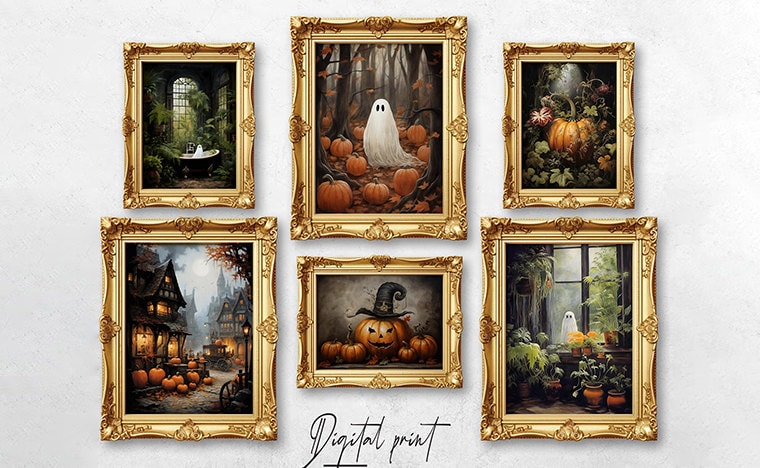
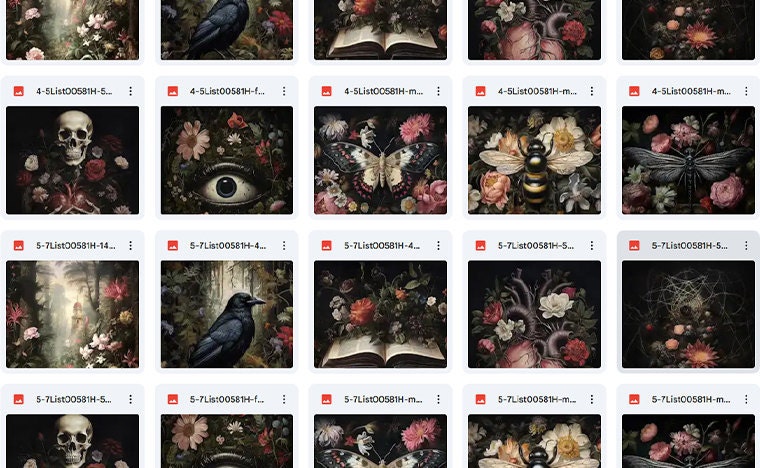
Printable Wall Art / Digital Download
All items
Announcement
Last updated on Jul 10, 2026
Reviews
5.0
(3305)
Average item review
We calculate this number using a recency-weighted average of all ratings, with a rating's value decreasing by half each year to best reflect the current experience.
Loading
-

Sheila on Sep 19, 2026
5 out of 5 starsThese images printed up so well, I'm starting to have fun! Very good quality!
-

Mara on Aug 12, 2026
5 out of 5 starsI haven't printed the picture yet. But I'm looking forward to it.
-

-

Kelly on Oct 9, 2026
5 out of 5 starsGreat quality and perfect for my victorian. Gothic halloween theme gallery wall
-

Cazbean on Oct 7, 2026
5 out of 5 starsEasy to download and quality of image is brilliant. I can't wait to print and frame this.
-
-
-

-
-
About DESPRTO
Sales
28,025
On Etsy since 2020

Shop policies
Last updated on Jan 6, 2023
Digital downloads
Instant downloads
Your files will be available to download once payment is confirmed. Here's how.
Made-to-order downloads
I’ll create your items after purchase and you’ll receive an email when the files are ready to download. The time I need to complete these items can vary. Contact me if you have questions.
Payment options
Secure options
Accepts Etsy Gift Cards and Etsy Credits
Etsy keeps your payment information secure. Etsy shops never receive your credit card information.
Returns & exchanges
See item details for return and exchange eligibility.
Cancellations
Cancellations: accepted
Request a cancellation: within 2 hours of purchase
More information
Last updated on
Dec 17, 2025
Frequently asked questions
How do I and when can I download my files?
After Etsy processes your payment, you will receive an email with a link to your downloads. You can always access your downloads by visiting your Etsy Profile > Purchases and Reviews.
Etsy does not support downloading digital files via Etsy App. Please use one of the following options:
1. Open your email and click 'View Your Files on Etsy' in the email received from Etsy. Login to your Etsy account. You can see the links to your files.
2. Login to your Etsy account using a browser on your mobile phone or laptop. Click on Your Account. Select Purchases and Reviews and then Your Order. Select the option 'Download Files'. You will see the links to your files.
Custom and personalized orders
You can find frames at shops like Walmart, Ikea, Kmart, West Elm, Target etc.
Also you can frame your print at online framing services:
www.shutterfly.com/
www.snapfish.com
www.printify.com/
www.printful.com/
www.mpix.com
Custom and personalized orders
If you're using WINDOWS:
Right click on the zip folder, then choose "Extract all.."
(remember where you save the files, so you can easy find the files later on your PC)
If you're using MAC:
Double click the zip folder. Create a new folder, and move the zip into there. Then use terminal and the command line "unzip" command