

DashPlanner

Phoenix, Arizona

54.9k
Sales
We calculate this number using a recency-weighted average of all ratings, with a rating's value decreasing by half each year to best reflect the current experience. 4.9 (3.8k)
7 years
on Etsy
We calculate this number using a recency-weighted average of all ratings, with a rating's value decreasing by half each year to best reflect the current experience. 4.9 (3.8k)
54.9k
sales
7 years
on Etsy
54.9k
Sales
We calculate this number using a recency-weighted average of all ratings, with a rating's value decreasing by half each year to best reflect the current experience. 4.9 (3.8k)
7 years
on Etsy
We calculate this number using a recency-weighted average of all ratings, with a rating's value decreasing by half each year to best reflect the current experience. 4.9 (3.8k)
54.9k
sales
7 years
on Etsy
54890 Sales

Etsy automatically translates most text on the site to your preferred language.

See in original language


Featured items

All items

Etsy automatically translates most text on the site to your preferred language.

See in original language

Megan

Contact shop owner

Megan

Reviews

4.9 (3839)
Average item review
We calculate this number using a recency-weighted average of all ratings, with a rating's value decreasing by half each year to best reflect the current experience.
Loading

About DashPlanner

Digital Planners and Organizational Tools

Sales 54,890
On Etsy since 2018

Digital Planners and Organizational Tools

About Dash Planner

Shop members

  • shop-member-photo
    Megan

    Owner, Designer

    Hello! I'm Megan. I'm the creator behind the Dash Planner products. I am a graphic designer, dog mom, and yoga lover. I hope my digital products help make your life a little simpler!

  • shop-member-photo
    Mia

    Studio Morale

    Quality control, security, and snack inspection

Shop policies

Last updated on Feb 12, 2019

Digital downloads

Instant downloads
Your files will be available to download once payment is confirmed. Here's how.

Payment options

Secure options
Paypal Visa Mastercard Discover Apple Pay Klarna Giftcard
Accepts Etsy Gift Cards and Etsy Credits
Etsy keeps your payment information secure. Etsy shops never receive your credit card information.

Returns & exchanges

See item details for return and exchange eligibility.

Cancellations

Cancellations: not accepted

Please contact the seller if you have any problems with your order.

Privacy policy

More information

Last updated on Dec 17, 2025

Frequently asked questions

How do I import the file into GoodNotes on the iPad?

For full instructions and a video for download and importing your files, visit: http://bit.ly/importing-your-files

1. Locate your downloaded file in the Files app on the iPad and tap to open/view it.
2. Tap the Share icon.
3. Locate and tap the “Copy to GoodNotes” option. (This is where you can select a different note-taking app if you prefer.)
4. In GoodNotes, select the category you would like to open your file in.

How do I duplicate pages?

1. Go to the page you’d like to make a copy of.
2. Tap on "• • •" in the right corner and select "Copy Page".
3. Open the Thumbnails Tab and locate where you’d like to paste the new page.
4. Tap the down-arrow of the page thumbnail in desired location and choose either "Add Page Before" or "Add Page After". Then select "Paste Page".

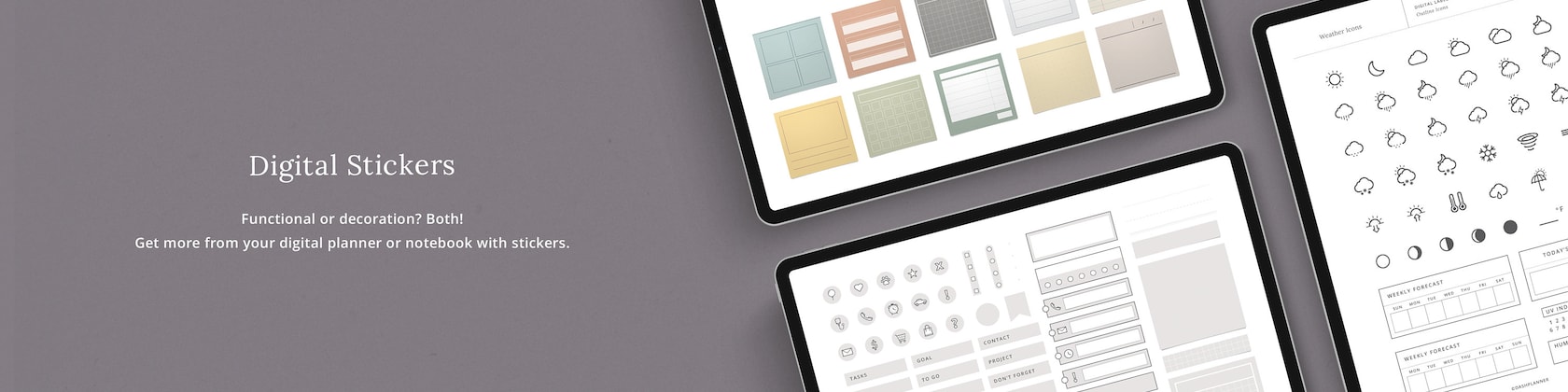
How do I use the digital stickers?

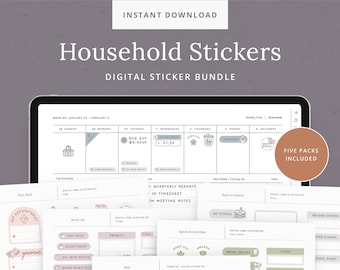
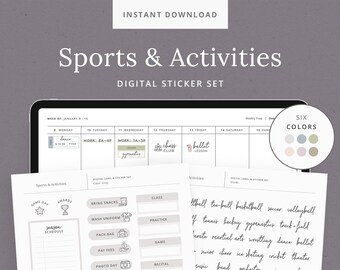
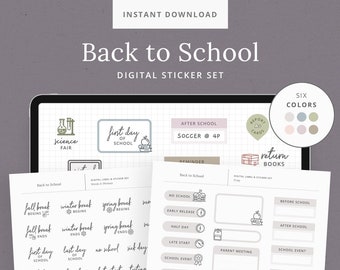
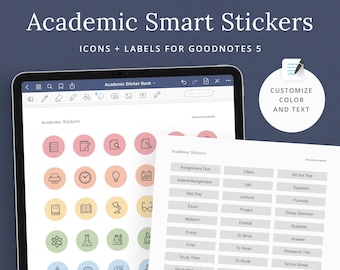
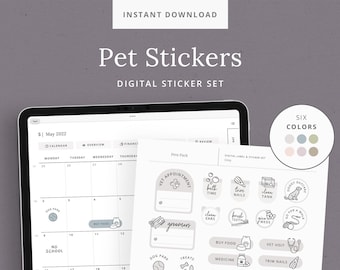
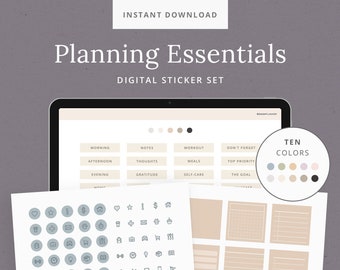
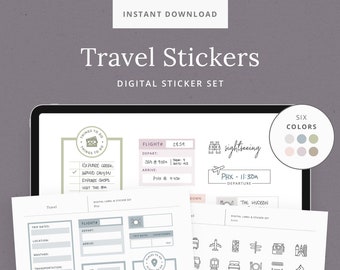
If you are using the GoodNotes app, make sure you import the file that ends in ".goodnotes". This is a special file designed for GoodNotes and has all the stickers pre-cropped.

For more thorough instructions on using the digital stickers, visit:
http://bit.ly/dp-digital-stickers

To import a grouped sticker sheet:
1. Open sticker folder in the Files window.
2. Locate the desired sticker sheet and drag it over to the note app.
3. Tap and hold on the sticker sheet and select Crop.
4. Crop around chosen sticker and select Done

To import individual sticker PNGs:
1. Open the “Individual PNGs” folder in the Files window.
2. Locate the desired sticker and drag it over to the note app.
3. Edit, size, and arrange as desired.

How do I access Zip files on the iPad?

You can unzip the files by saving them to your iPad's Files app and tapping on them to uncompress the files. Note: this feature is only available with iPadOS (iOS 13+). I can also send you the unzipped files if you have any issues, just send me a message!

How do I access my purchased download?

To access your purchased files, go to: https://www.etsy.com/your/purchases and find the Dash Planner order. To the right you’ll see a "View your files" link which goes to the Downloads page. Here, you can download all the files associated with your order.

(*Files can’t be downloaded from Etsy app at this time, only web browsers)

If you're a Guest on Etsy, check the email you used for your purchase. There will be a message from "transactions@etsy.com" where a link to download files will be included.

I checked out as a Guest and didn't receive the email from Etsy.

Sometimes the receipt email from Etsy can get tangled up in inboxes. Try checking the spam/junk folder or enter “transactions@etsy.com” in your email search bar.

If there’s still nothing there, you can confirm your email address with me via message and I will manually resend your files to you.

The links aren't working. Are they broken?

To access all the hyperlinks in GoodNotes, make sure the “Read-Only” tool is selected. It's the tool that looks like a crossed out pencil, located in the upper right-hand corner.

I just sent a message. What are your hours of operation?

Messages will be responded to within 24 hours during our studio hours of Monday–Friday, 9am–4pm AZMST.

Custom and personalized orders

Due to a high volume of orders and requests, at this time I unfortunately am unable to take any custom or personalization orders. I will announce if custom orders are reopened.