
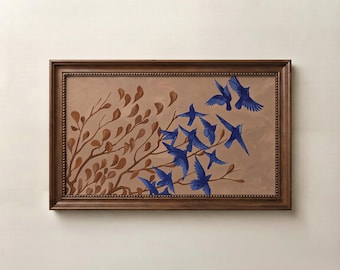
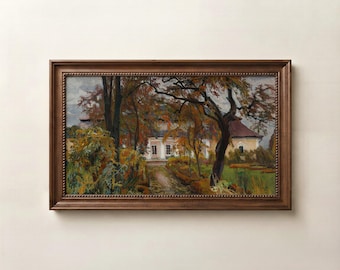
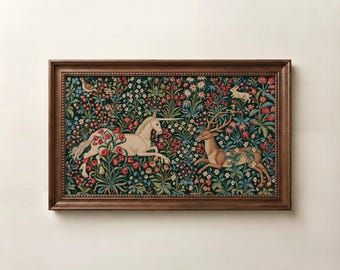
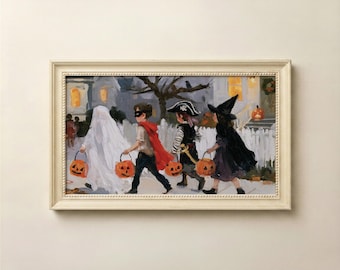
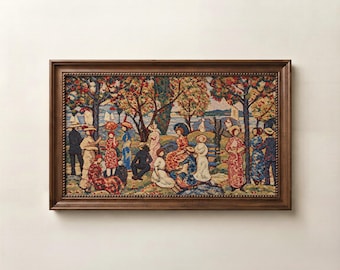
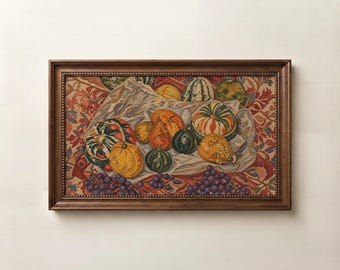
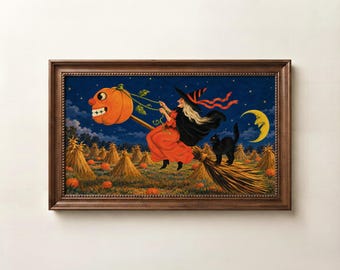

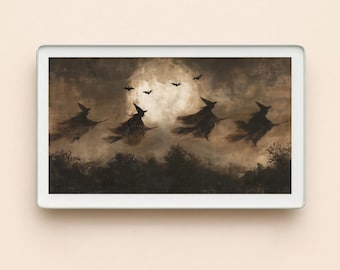
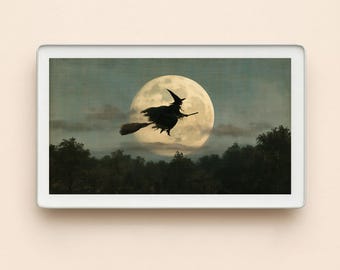
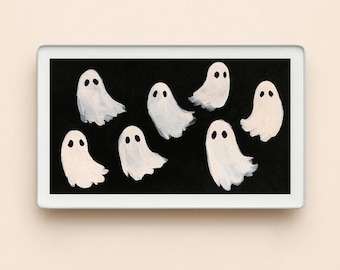
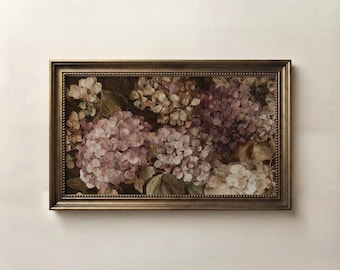
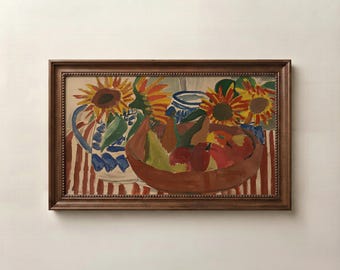
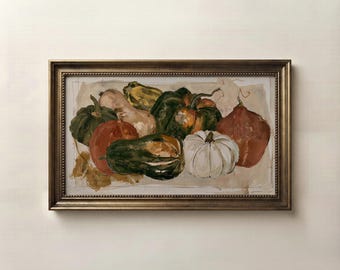
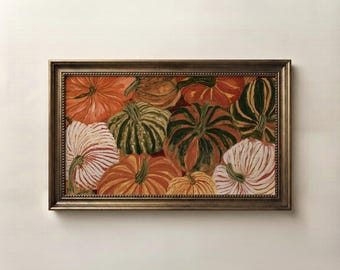
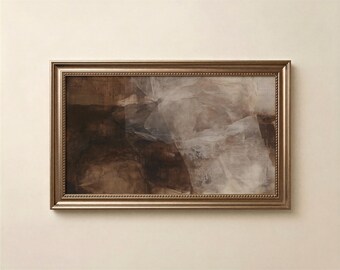
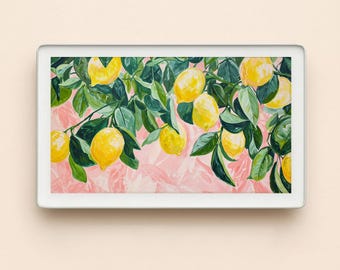
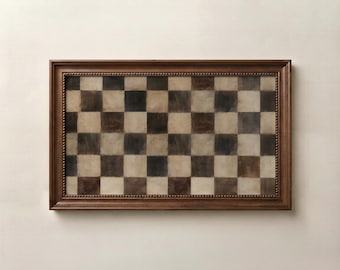
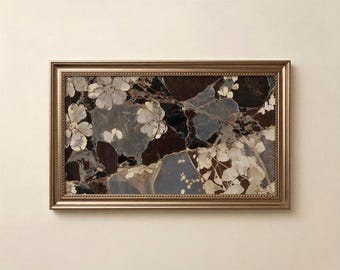
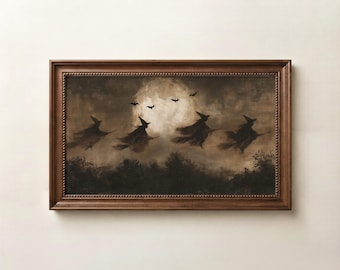
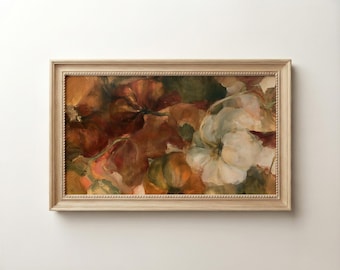
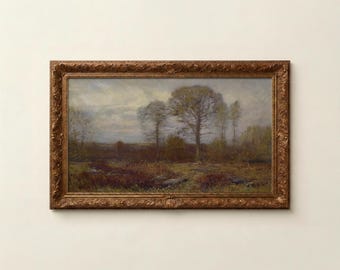
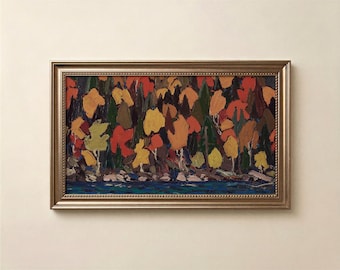
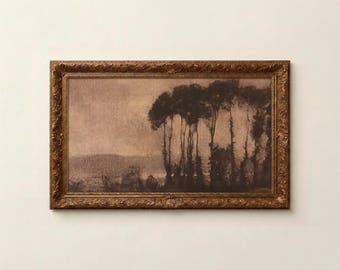
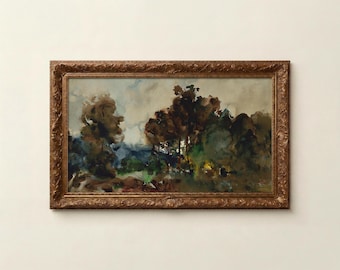
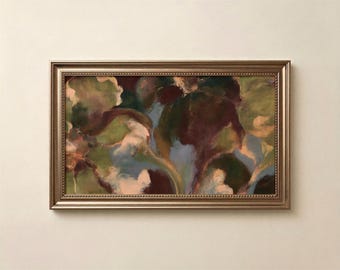
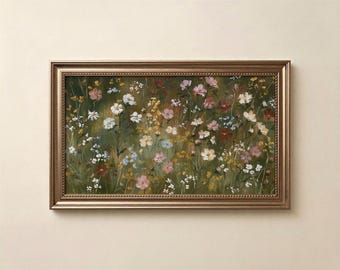
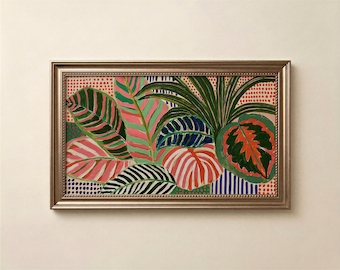
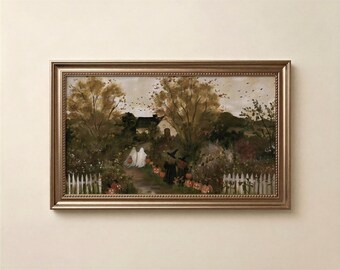
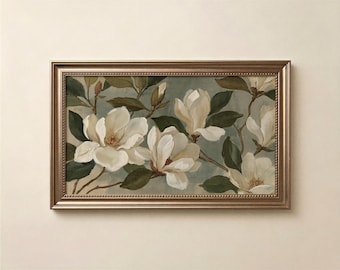
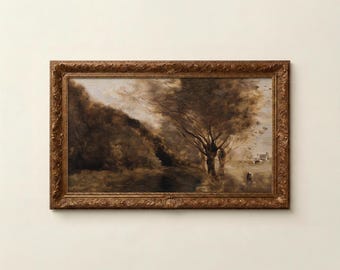
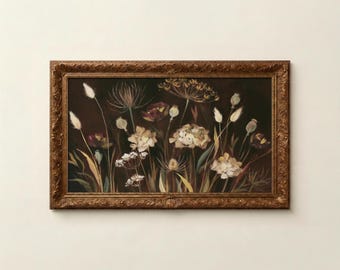


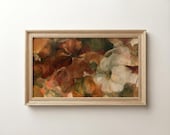
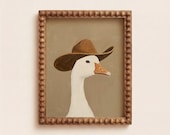
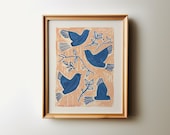


Frame Tv Art with Classic Inspiration, Modern Aesthetic, and Seasonal Charm
All items
Reviews
5.0
(5077)
Average item review
We calculate this number using a recency-weighted average of all ratings, with a rating's value decreasing by half each year to best reflect the current experience.
Loading
-

Etsy buyer on Sep 1, 2026
5 out of 5 starsdigital print is as expected!

Iseult responded on Sep 2, 2026
thank you
-

-
-

-
-
-


Shop policies
Last updated on Jul 5, 2025
Digital downloads
Instant downloads
Your files will be available to download once payment is confirmed. Here's how.
Payment options
Secure options
Accepts Etsy Gift Cards and Etsy Credits
Etsy keeps your payment information secure. Etsy shops never receive your credit card information.
Returns & exchanges
See item details for return and exchange eligibility.
Cancellations
Cancellations: accepted
Request a cancellation: within 24 hours of purchase
Privacy policy
More information
Last updated on
Apr 13, 2026
Frequently asked questions
How I get my downloadable files ?
The files are in your etsy account, you can download them any time, 𝐓𝐨 𝐚𝐜𝐜𝐞𝐬𝐬 𝐲𝐨𝐮𝐫 𝐝𝐢𝐠𝐢𝐭𝐚𝐥 𝐟𝐢𝐥𝐞s 𝐟𝐫𝐨𝐦 𝐲𝐨𝐮𝐫 𝐚𝐜𝐜𝐨𝐮𝐧𝐭:
From a 𝐖𝐄𝐁 𝐁𝐑𝐎𝐖𝐒𝐄𝐑 (not the Etsy app), make sure you are not on the etsy app.
sign in to 𝐄𝐭𝐬𝐲.𝐜𝐨𝐦 and go to 𝐘𝐨𝐮𝐫 𝐚𝐜𝐜𝐨𝐮𝐧𝐭 (small round avatar at top right). Go to 𝐏𝐮𝐫𝐜𝐡𝐚𝐬𝐞𝐬.
Next to the order (or by scrolling down), select Download File
Any download issues, just message me for help.
Will this look pixelated on my Samsung Frame TV?
No, every file is delivered at native 4K resolution (3840 x 2160 px), crisp and sharp on any Frame TV size from 32 to 85 inches.
What file format does Samsung Frame TV accept?
Samsung Frame TV accepts JPEG files. Every LadyHanaDesign file is delivered as a high quality JPG, ready to upload directly via the SmartThings app or USB.
Do I need a Samsung Art Store subscription?
No, this is a direct digital download. No subscription needed. Once purchased it is yours to keep and display forever.
Does this work on other TVs?
Yes, works on any 16:9 4K display including Hisense CanvasTV, TCL NxtFrame, Roku Backdrops and any smart TV that accepts JPEG files via USB or photo app.
How do I upload the art to my Samsung Frame TV?
Download your file, open the SmartThings app on your phone, select your Frame TV, go to Art Mode and upload directly.
Can I print this file?
This file is optimized for screen display only. The colors and resolution are calibrated specifically for TV screens and will not translate correctly to print. That said, if you are interested in a print version please contact me and we can discuss options.
How many times can I download the file?
As many times as you need. Once purchased it is yours to keep forever and re-download anytime from your Etsy account.
Can I use this on multiple TVs in my home?
Yes, for personal use across all screens in your home. This file is licensed for personal use only and may not be resold or redistributed.
Why does my art have a mat around it on my Samsung Frame TV?
When you first upload art through the SmartThings app, Samsung Frame TV may automatically apply a digital mat around your artwork, this is completely normal and not a problem with the file. To remove or change the mat simply open the SmartThings app, go to Art Mode, select your artwork and tap Edit Mat. You can choose no mat, a thin mat or adjust the color to your preference. The mat is fully customizable and does not affect the art file itself.