
Featured items

All items




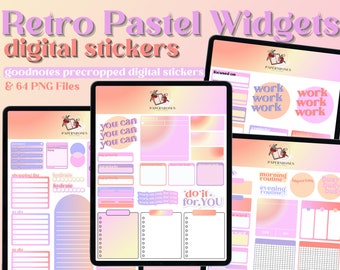
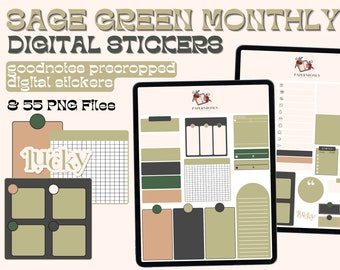
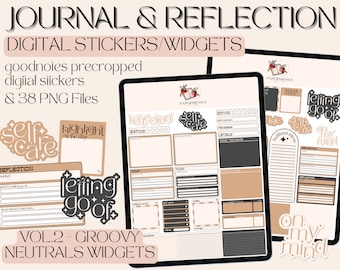
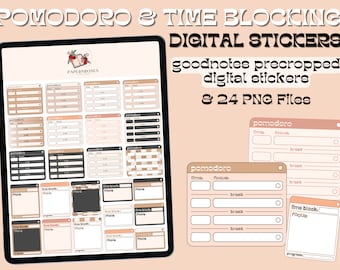
Announcement
Last updated on Nov 28, 2024

Reviews
4.9
(834)
Average item review
We calculate this number using a recency-weighted average of all ratings, with a rating's value decreasing by half each year to best reflect the current experience.
Loading
-

-

-

Ashley on Mar 9, 2026
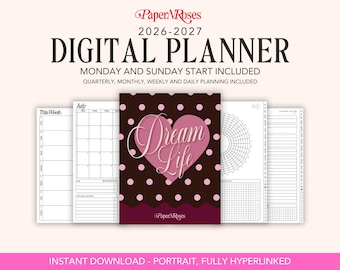
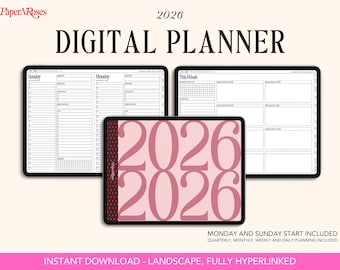
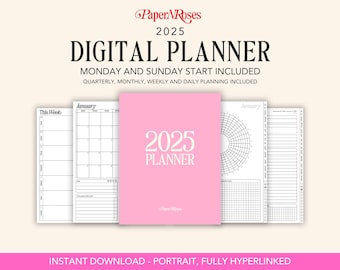
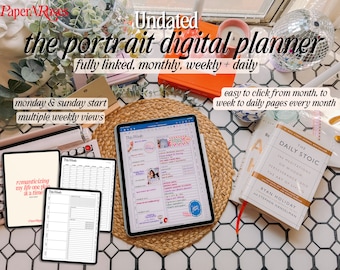
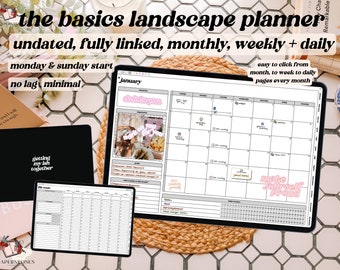
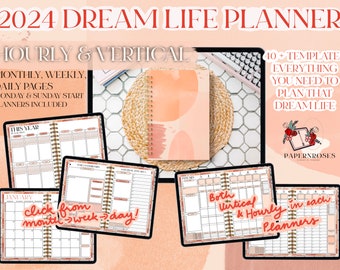
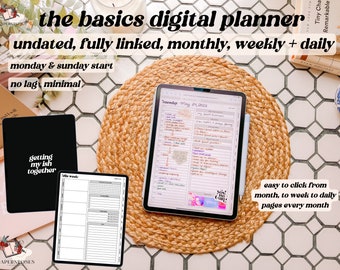
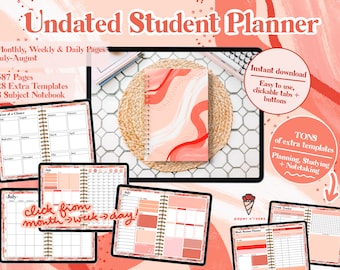
5 out of 5 starsThis digital planner is TOP NOTCH! As someone who has a ridiculously busy schedule but also wants to keep my self-care, habits, among MANY other things all in one place, this was the perfect choice for me. Super easy to download and import into Goodnotes. This planner is a lifesaver!
-
Courtney on Jul 19, 2026
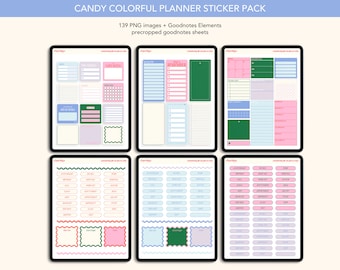
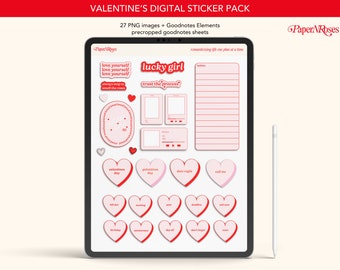
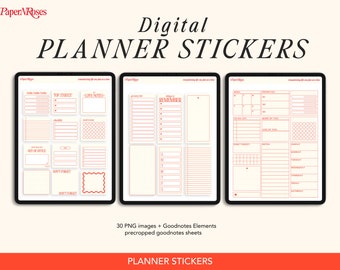
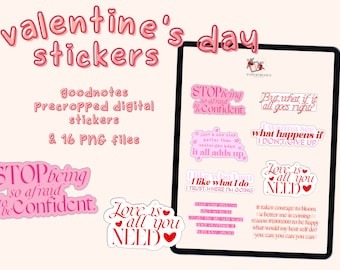
5 out of 5 starsAbsolutely love these & all your other stickers I believe I’ve bought just about all of them💕
-
Courtney on Jul 19, 2026
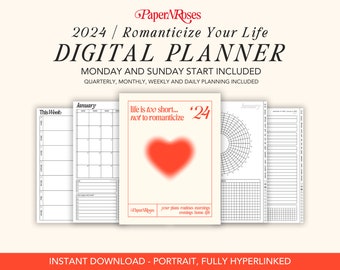
5 out of 5 starsAbsolutely love this digital planner , has to be my favorite out of all the rest I’ve used💕
-

Stephanie on May 4, 2026
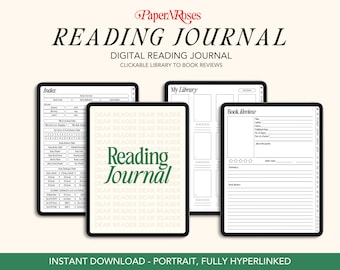
5 out of 5 starsLove how easy it is to access to everything I love to journal my books now
-
Marissa on Mar 17, 2026
5 out of 5 starsOfficially becoming an iPad girly in 2026 has never been so easy
-
-
-






About PaperNRosesCo
Sales
7,476
On Etsy since 2020

Shop policies
Last updated on Sep 1, 2020
Digital downloads
Instant downloads
Your files will be available to download once payment is confirmed. Here's how.
Payment options
Secure options
Accepts Etsy Gift Cards and Etsy Credits
Etsy keeps your payment information secure. Etsy shops never receive your credit card information.
Returns & exchanges
See item details for return and exchange eligibility.
Cancellations
Cancellations: not accepted
Please contact the seller if you have any problems with your order.
More information
Last updated on
Dec 17, 2025
Frequently asked questions
How do I download?
You'll need to log into your etsy account via the safari app not the the etsy app.
From there you want to navigate to your purchases, on the right hand side of the order click download files under the ready to download column. It will open your order page, click download at the bottom.
When the download has finished loading click on it, then hit the arrow in the top right corner, there you will find options to open it and you’ll want to open with goodnotes!
Some of the files are too large to upload to etsy, in these cases what you'll download from etsy will be a pdf with further instructions. It's really easy! If you have any questions shoot me a message!
How do I use digital stickers?
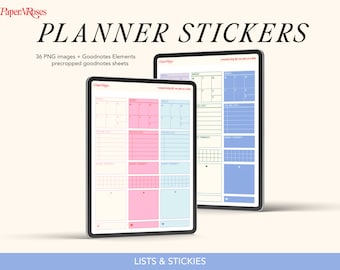
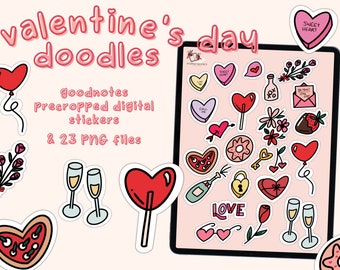
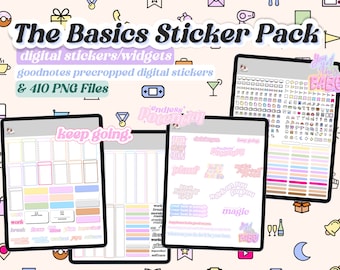
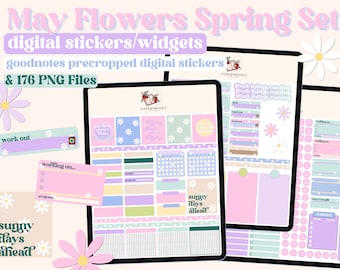
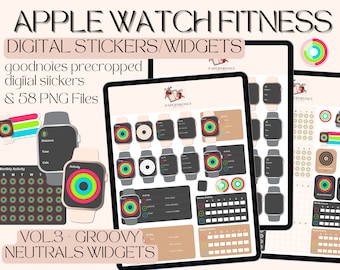
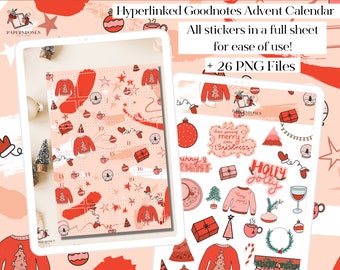
To use the stickers in goodnotes you want to make sure you navigate to the lasso tool, click on your lasso tool and make sure you have images selected, then lasso the sticker you want to use by circling it, hold down and select copy (the image will still remain on the sticker page).
Then you want to turn off your tools in the top right corner and click to the page you want the sticker on. Turn your tools back on, make sure your lasso is selected again and then hold down and press paste! I hope that helps, from there you can resize the image etc.
Looking for more? Find it on Etsy