














Let's have fun with paper cutting, printing, crafting and folding!
Featured items
All items
Announcement
Last updated on May 24, 2018
Reviews
4.9
(1241)
Average item review
We calculate this number using a recency-weighted average of all ratings, with a rating's value decreasing by half each year to best reflect the current experience.
Loading
-

Maria on Jul 27, 2026
5 out of 5 starssaved me time in making a felt busy book for my granddaughter.
-

-
-

-

-

MariLou on Apr 14, 2026
5 out of 5 starsExcellent! It downloaded and looks so pretty. Now I can more easily choose which color to use.
-
-

-
Karen on Jan 3, 2026
5 out of 5 starsInteresting designs for earrings. Look forward to making these for friends.
-
About PerfectCutSVGfiles
Sales
23,898
On Etsy since 2017
-
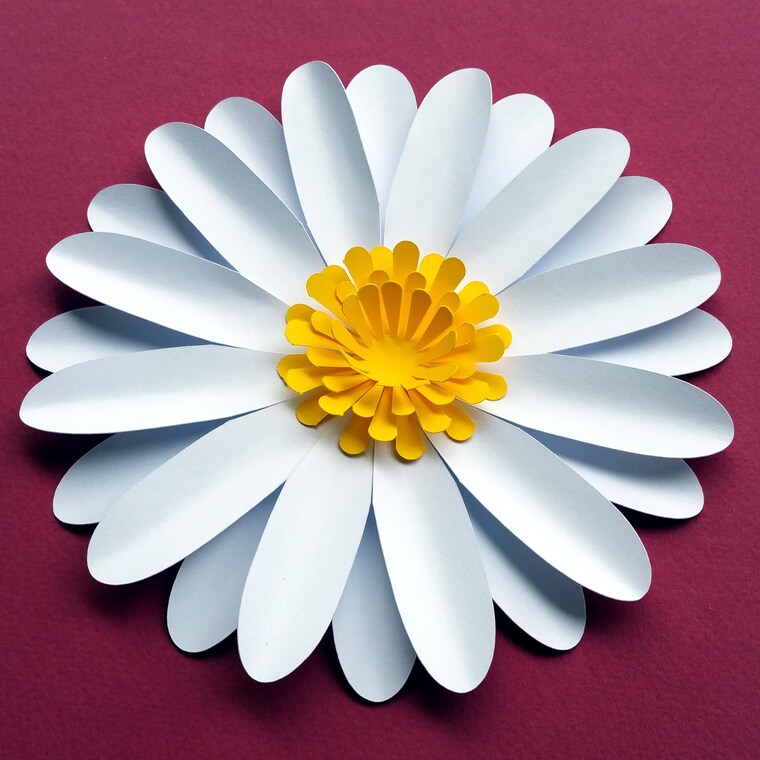 Do you like paper flowers? This daisy is very easy to make! Try my paper flower and paper leaves templates!
 -
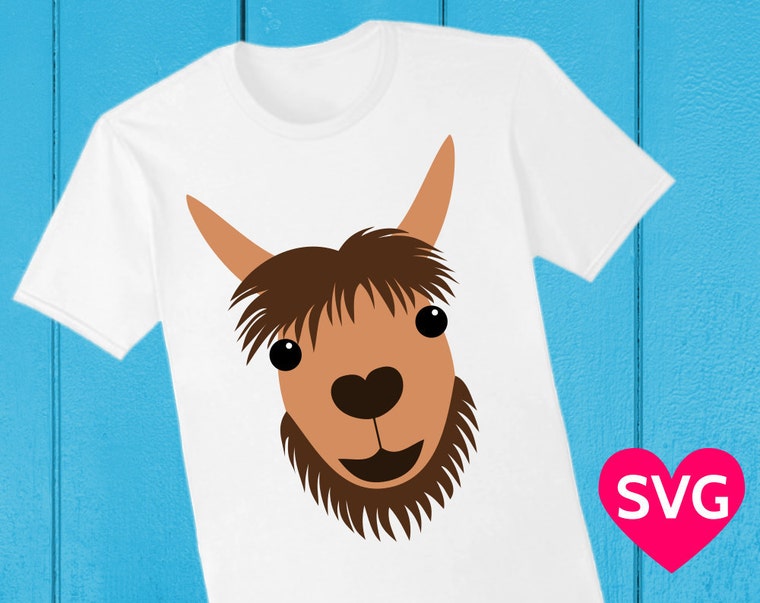 SVG files are great to cut, but you can also print them on tshirts, coffee mugs, phone cases etc. to make cool gifts!
 -
 This heart shaped box is very easy to make, with or without a Cricut or Silhouette paper cutting machine.
 -
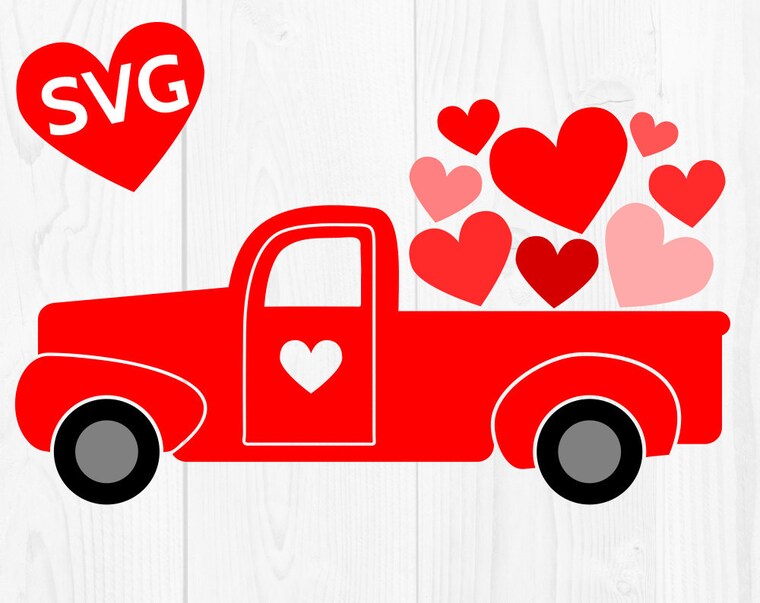 Here comes the Love Truck, loaded with hearts. <3
 -
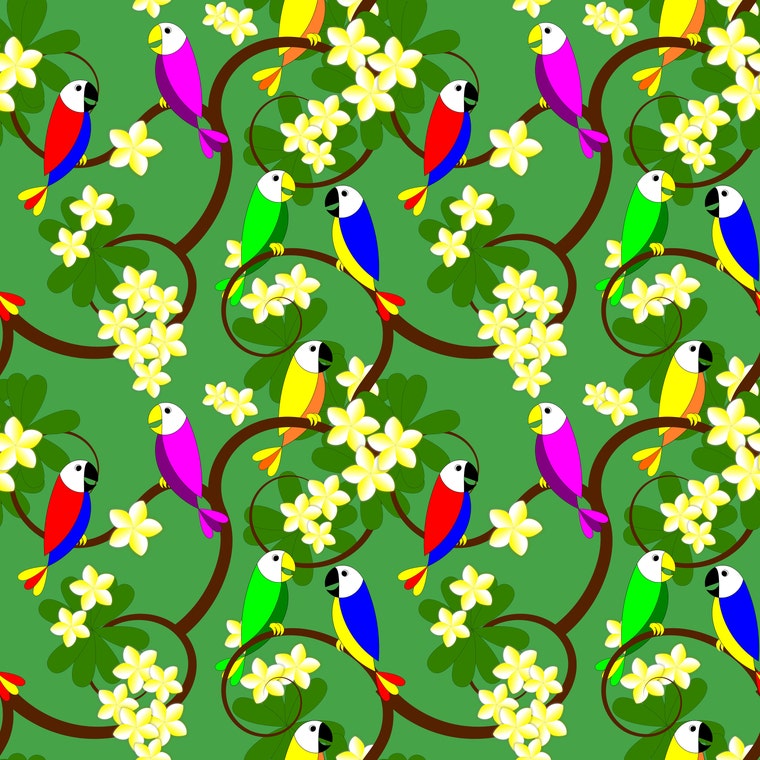 Tropical digital paper with parrots and Plumeria tree.
Shop members
-

Stéphane Gigandet
Owner
Hi! I'm Stéphane! Thanks for coming by! I create a lot of things like patterns, illustrations, coloring pages, and I'm also an origami artist! Check out my YouTube channel "Origami Plus" for fun and easy original origami models that I design!
Shop policies
Last updated on May 16, 2018
Digital downloads
Instant downloads
Your files will be available to download once payment is confirmed. Here's how.
Payment options
Secure options
Accepts Etsy Gift Cards and Etsy Credits
Etsy keeps your payment information secure. Etsy shops never receive your credit card information.
Returns & exchanges
See item details for return and exchange eligibility.
Cancellations
Cancellations: not accepted
Please contact the seller if you have any problems with your order.
Privacy policy
More information
Last updated on
Dec 17, 2025
Frequently asked questions
What will I get?
Once you order, as soon as Etsy processes your payment (usually within minutes), Etsy will send you a link to download a ZIP compressed file that contains all the SVG, DXF, PDF, EPS, PNG and Silhouette Studio files listed in the listing description.
How do I uncompress the ZIP compressed file?
On most recent computers, Mac and Windows, you just need to double click on the ZIP file to open it. You can then move the files to another folder, or just uncompress all the files. You can also right click and then select "Extract all".
How do I upload the SVG designs to Cricut Design Space to cut them with my Cricut machine?
1. First download and uncompress the ZIP file. The ZIP file contains files in different file formats (SVG, DXF, PDF, EPS, PNG and .studio3).
2. Launch Cricut Design Space in your browser and create a new project.
3. Click on "Upload" and then on "Upload Image" and "Browse".
4. Select the SVG file you want (depending on your computer and browser settings, SVG files might show as type "Google Chrome HTML document" or similar).
5. In the Upload page, your uploaded SVG designs will be in the "Recently upload images" section, select the designs by clicking on them. You can select multiple designs with Ctrl + click.
8. Click on "Insert Image" to put the designs in your project.
How do I use the SVG designs with Silhouette Studio free edition to cu them with my Silhouette machine?
You need to use the provide .studio3 files or the DXF files because the free version of Silhouette Studio does not support.
In Silhouette Studio, just click on "Open" and then select the .studio3 or DXF file you want.
How can I change the colors of the SVG designs before printing?
With the provided SVG files, you can use a SVG editor to change the colors of the different layers. I recommend the free Inkscape software for Windows and Mac. You can select each layer, and choose the color. Then click on "Export" to save a PNG file with the design with your custom colors.
I made a cool shirt, card, poster, sign, cup or other item with one of your SVG files, would you like to see it?
Absolutely! It's always a great pleasure to see what you do with my SVG designs. They take a lot of time, care and love to make, but it's an awesome feeling to see them being used to make cool things! The easiest way to send me pictures of what you have done is to use the Etsy reviews, as you can easily attach a picture to your review. You can also send them to me by Etsy conversation or on Facebook. Thank you so much!