
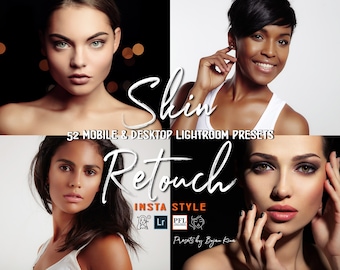
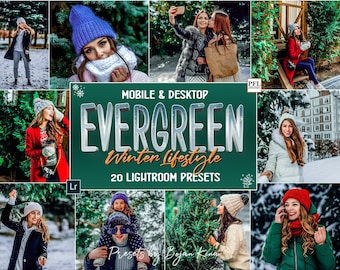
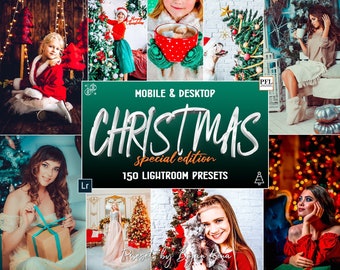
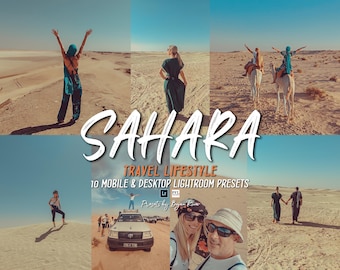


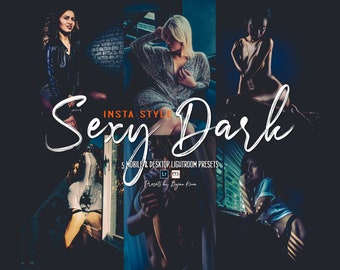
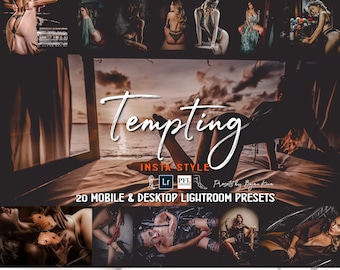
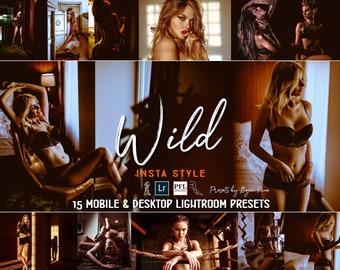
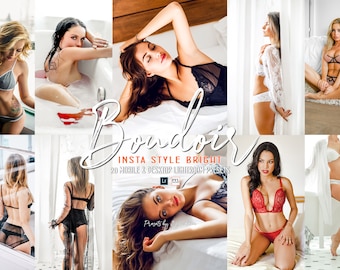





Sharing my experience in photography, with unique Lightroom Presets!
Featured items
All items
Announcement
Last updated on Mar 29, 2026
Reviews
4.5
(422)
Average item review
We calculate this number using a recency-weighted average of all ratings, with a rating's value decreasing by half each year to best reflect the current experience.
Loading
-

-

-
-
-

-
-
-
Kevin on Sep 28, 2025
5 out of 5 starsawesome presets ,great quality,fast delivery and they look great on my photos
-

-
About PresetsForLife
Sales
4,899
On Etsy since 2019
-
-
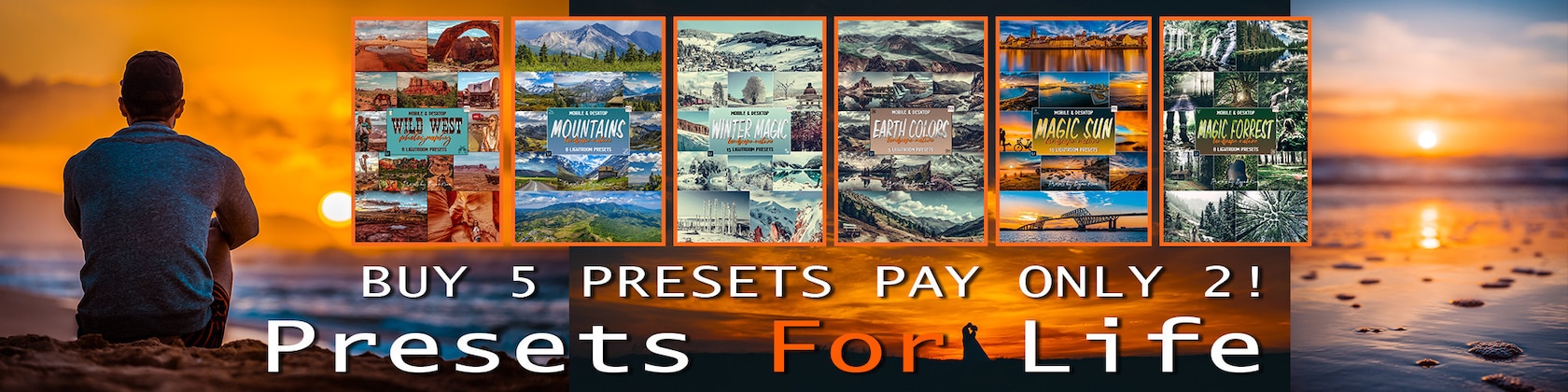
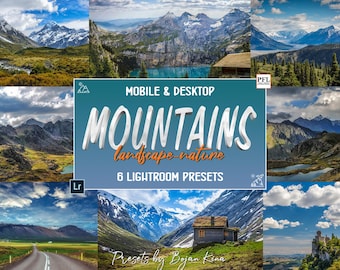
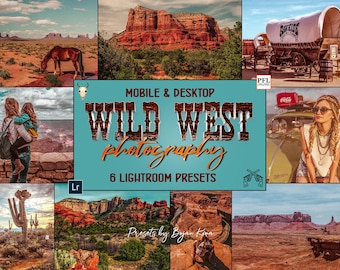
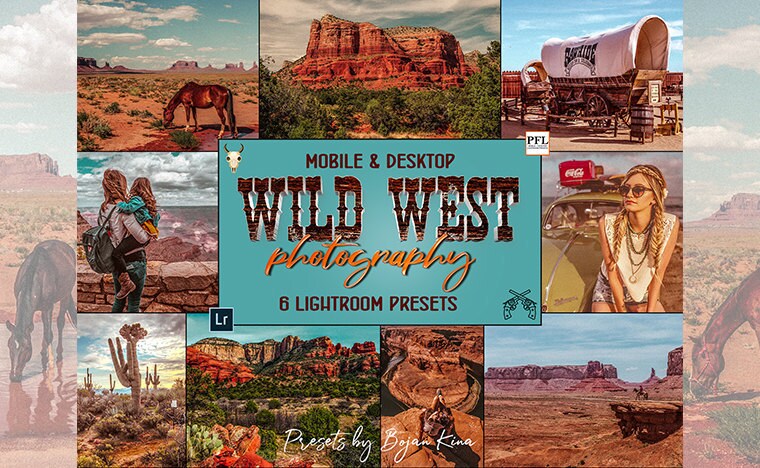 Landscape Presets WILD WEST, Lightroom Presets for travel photography, Travel Presets, Explore my shop, and find more!!!
 -
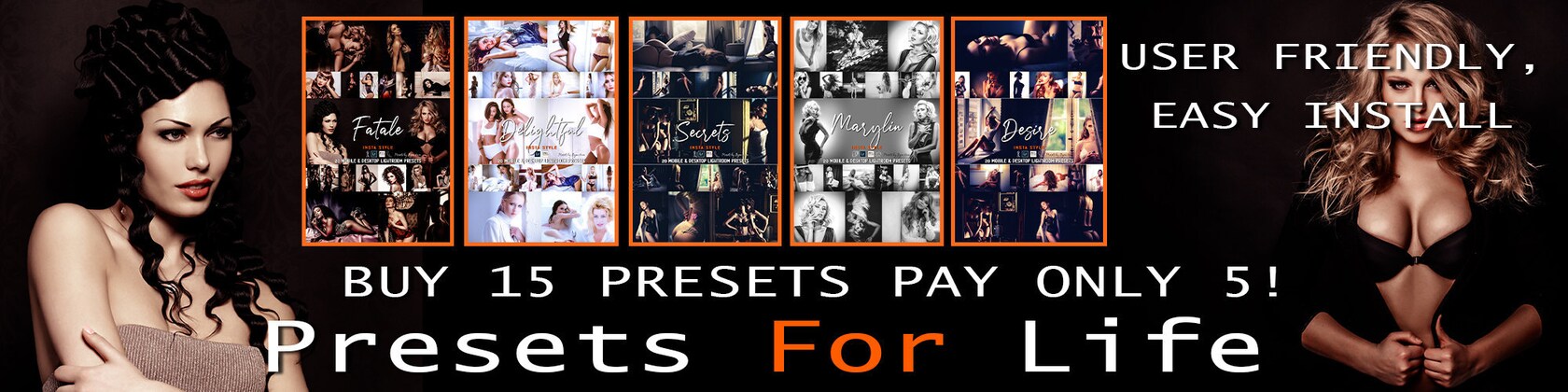
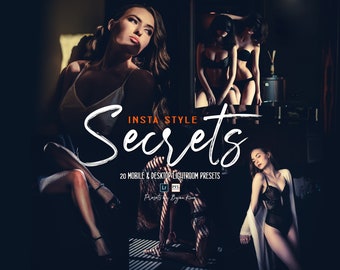
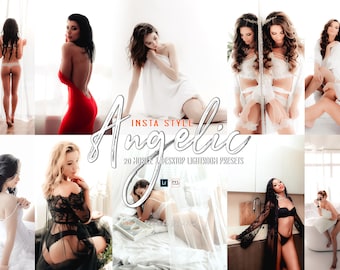
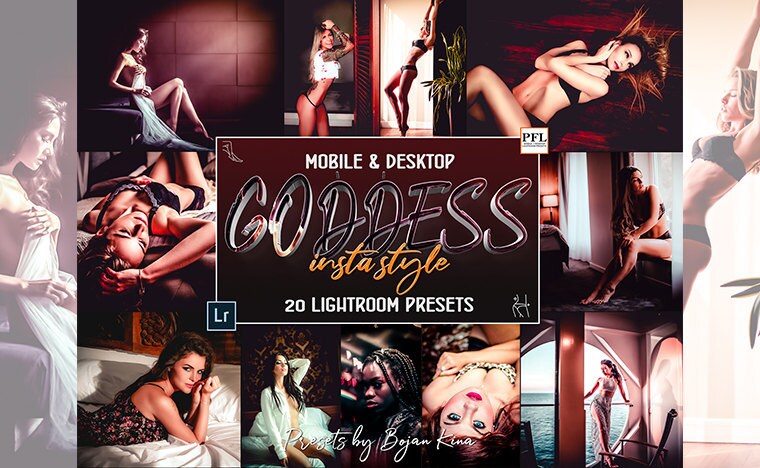 Lightroom Presets for Instagram, BOUDOIR Presets, Instagram Presets for Lightroom Mobile. Find out more!!!
 -
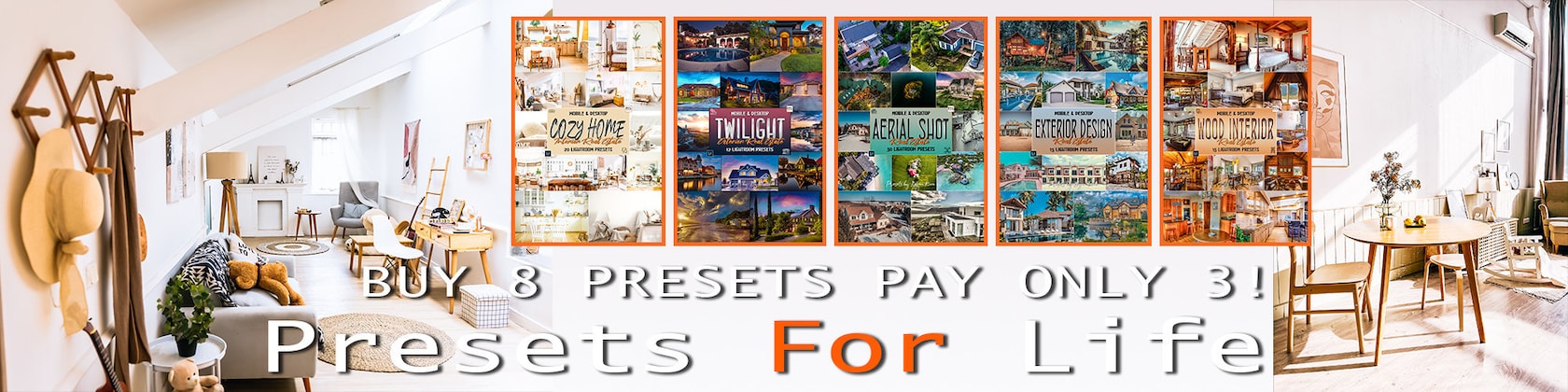
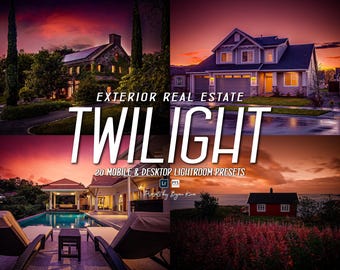
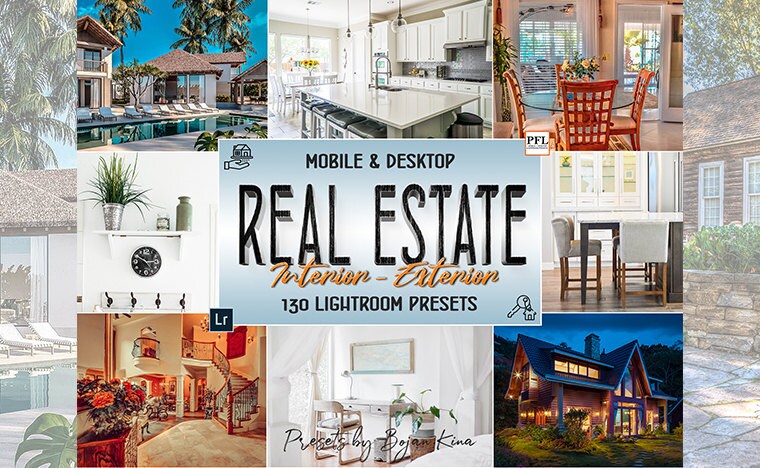 REAL ESTATE Presets Bundle, 130 Lightroom Presets for Real Estate Photography, Exterior & Interior, Desktop & Mobile
 -
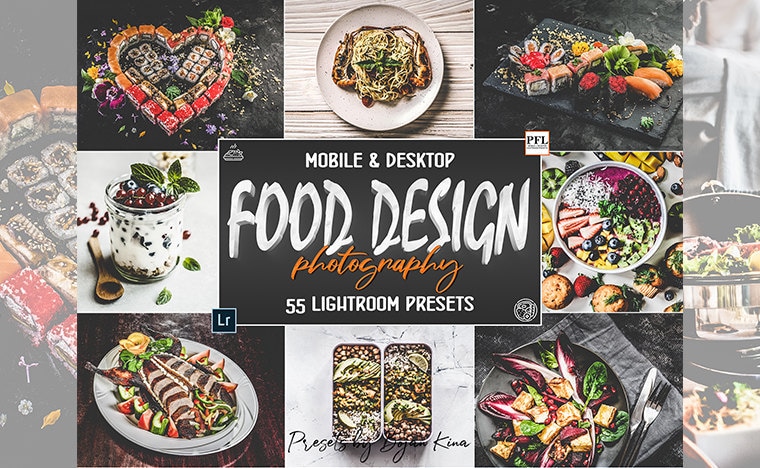 Lightroom Presets for FOOD Photography, Products, Items, Goods, Bright, and Dark Presets collections. Explore my shop!!!
 -
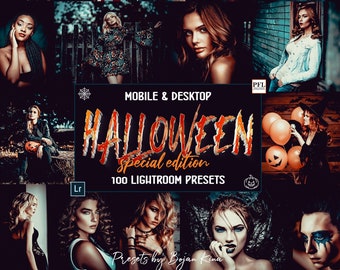
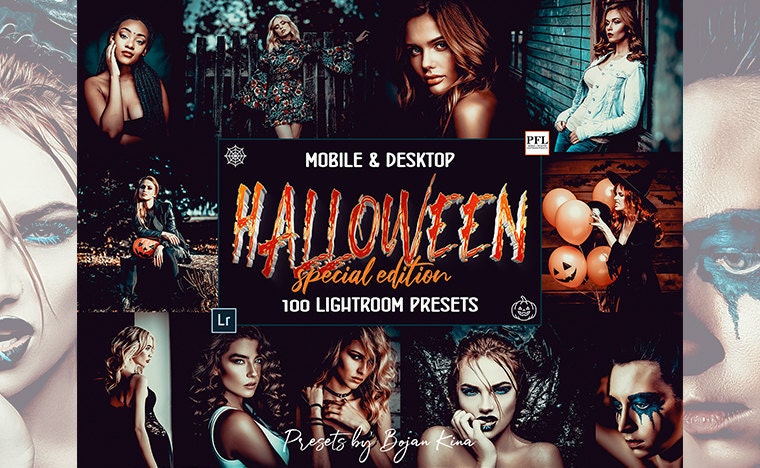 HALLOWEEN Lightroom Presets Bundle, 100 Halloween Presets for Lightroom Mobile & Desktop, Outdoor & Indoor
Shop about video description
Shop members
-

Bojan Kina
Owner, Designer, Photographer
Kina is the designer, photographer, editor, and creator of real-life Lightroom Presets for all kinds of photography needs and social media, and customer service contact. www.nill-produkcija.hr and https://www.pinterest.com/bmacesicnill
Shop policies
Last updated on Nov 28, 2022
Digital downloads
Instant downloads
Your files will be available to download once payment is confirmed. Here's how.
Payment options
Secure options
Accepts Etsy Gift Cards and Etsy Credits
Etsy keeps your payment information secure. Etsy shops never receive your credit card information.
Returns & exchanges
See item details for return and exchange eligibility.
Cancellations
Cancellations: not accepted
Please contact the seller if you have any problems with your order.
Privacy policy
More information
Last updated on
Dec 17, 2025
Frequently asked questions
WHAT ARE LIGHTROOM PRESETS?
The simple way to explain them: a photo filter that will give your images a desired professional, beautiful look in one easy click.
They are called presets because they are made within Adobe Lightroom and are “pre” decided “settings that give your photos a certain look and feel.
Many settings, like adjusting colors, exposure, white balance, saturation, hue, sharpness, etc, are all saved into one action, called a “preset”.
The advantages of presets are that you don't have to edit photos manually, but can do it with one click.
Quick, simple.
WHAT PROGRAM DO I NEED TO USE YOUR PRESETS?
You need a Lightroom application on your iPhone or Android. You can use the free version of the Mobile Lightroom app. All our Mobile Presets install easily from your purchases and reviews tab.
WHEN AND WHERE WILL THE DOWNLOAD BE AVAILABLE?
It will be available right after purchase! You will find the download link in your Etsy account, or there is also a link in the receipt email.
You can access your downloads by going to your Etsy Account > Purchases and Reviews> Click on the download button next to the purchased item.
After your purchase, you will receive a confirmation e-mail including a download link. By clicking on the link, you immediately begin to download files on your phone.
CAN I TRY OUT THE PRESETS BEFORE I BUY THEM?
Yes! You can send me your original and unedited photo, and I will test out the presets before you make a purchase. 😎
presetsforlife2@gmail.com
HOW DO I UNZIP FILES ON MY MOBILE DEVICE?
If you downloaded your files as a zip file you can unzip your file on your mobile device using WinZip App or Unzip App.
HOW DO I INSTALL MY MOBILE PRESETS?
1. Tap on DNG file
2. Find the "....." or "arrow up" button top right and push, find "open with Lightroom" or "send copy to Lightroom", etc.
3. If you don’t have this option Save this.DNG file as an image in your camera roll.
4. Open the Lightroom CC App and Click the 'Add Image' button and add the file. It will appear as an image.
5. Open the image > Click the 3 dots in the top right corner > Click 'Create Preset' > Name your preset > Save
6. Go back to Home Page in your App. Add your own photo and open it. In the Edit Mode scroll the bottom panel to 'Presets' > 'User Presets' > Click the preset you have created.
I'M HAVING TROUBLE DOWNLOADING MY FILES
If nothing happens when you click the download links, there may be an issue with your web browser. Please disable any non-standard add-ons or toolbars that you’ve installed and try again.
If your computer states that the file has been corrupted, delete the file and try downloading it again. If you still can't open the file, please get in touch with the seller through Etsy Messages for further assistance.
If your computer is unable to open the file, you may be missing the program required to open the file type. Don't hesitate to get in touch with the seller through Etsy Messages to see what programs you may need.
WHERE IS THE DOWNLOAD FILES LINK IN MY ETSY APP?
Unfortunately, Etsy does not support downloading digital files via the Etsy App. Please download via one of the following options:
1. Visit your email and click 'View Your Files on Etsy' in the email received from Etsy. Log in to your Etsy account (if you have one). You will see the links to your files at the bottom of the page.
2. Log in to your Etsy account via Safari or Google Chrome browser on your mobile phone. Click on Your Account (a circle in the top right corner) > Purchases and Reviews > Your Order > 'Download Files'. You will see the links to your files at the bottom of the page.
HOW DO I ADD PRESETS TO LIGHTROOM DESKTOP?
1. Open Lightroom.
2. Go to Edit • Preferences • Presets.
3. Click on the box titled: Show Lightroom Presets Folder.
4. Double-click on Lightroom.
5. Double-click on Develop Presets.
6. Copy the folder(s) of your presets into the Develop Presets folder.
7. Restart Lightroom
How to save the presets to the preset editing panel and apply all presets in one click?
When you have loaded the presets into Lightroom, click on 3 points in the upper right corner - select Create Preset - Create a folder "PresetsForLife" and write the name of the preset - click Save.
Done, you can find the preset in Presets in the editing panel.
Looking for more? Find it on Etsy