









Hello!
Featured items
All items
Reviews
4.9
(676)
Average item review
We calculate this number using a recency-weighted average of all ratings, with a rating's value decreasing by half each year to best reflect the current experience.
Loading
-

-
Etsy buyer on Oct 3, 2026
5 out of 5 starsJenteva is an incredible artist! We did a custom order of my daughter’s Quaker parrots for her wedding. She did a phenomenal job!! She delivered on time and quickly made any adjustments we needed. Her watercolor work is absolutely gorgeous!!! Thank you again so much Jenteva!

Valentyna responded on Oct 4, 2026
Thank you so much for your kind words! ❤️ It was such a pleasure to paint your daughter’s Quaker parrots for her wedding and to be a small part of such a special celebration. I’m truly grateful that you trusted me with this meaningful custom order. Thank you so much for choosing my art 🥰
About jenteva
Sales
7,979
On Etsy since 2020
Shop members
-

Valentyna Petiurenko
Owner, Designer
Hi there, My name is Valentyna and I am a digital illustrator & brush maker that love creating beautiful things. Enjoy ❤️
Shop policies
Last updated on Apr 7, 2021
Digital downloads
Instant downloads
Your files will be available to download once payment is confirmed. Here's how.
Payment options
Secure options
Accepts Etsy Gift Cards and Etsy Credits
Etsy keeps your payment information secure. Etsy shops never receive your credit card information.
Returns & exchanges
See item details for return and exchange eligibility.
Cancellations
Cancellations: not accepted
Please contact the seller if you have any problems with your order.
More information
Last updated on
Dec 17, 2025
Frequently asked questions
I don't see an option to download my purchase
Please read this article that explains how to download your purchase on Etsy:
https://help.etsy.com/hc/en-us/articles/115013328108
Also you'll get an email from Etsy with "View your files" button.
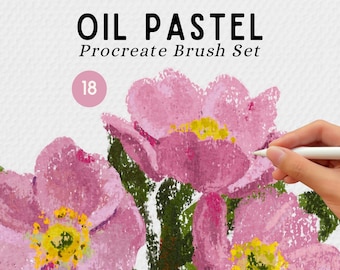
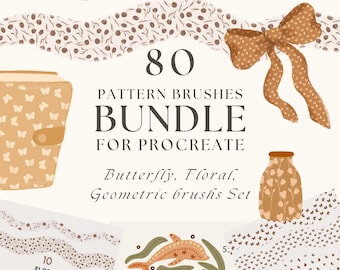
How to download and install Procreate brush?
Proceed with the steps below:
Download PDF file
Click on a link in the PDF. You will be redirected to Google Drive.
Double click on a .zip archive and then press the download button that appears on the right top corner.
If you see a message “Google Drive can’t scan this file for viruses” don’t worry and click on the “Download anyway” button.
Open downloaded .zip archive in Files and click on it. You should see a new folder with the same name as archive.
Click on a newly created folder. In the folder you should see .brushset file/files.
Click on it and choose to open in Procreate
Your brushes should appear on top.
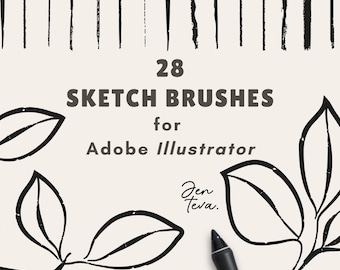
How to download and install Adobe Illustrator brushes?
Download PDF file
Click on a link in the PDF. You will be redirected to Google Drive.
Double click on a .zip archive and then press the download button that appears on the right top corner.
Open downloaded .zip archive in Files and click on it. You should see a new folder with the same name as archive.
To install do the following:
In Illustrator, open the Brushes Panel (Window > Brushes).
Click the Brush Libraries Menu in the bottom left of the Panel (the bookshelf icon).
Choose Other Library from the Menu.
Locate the brush library . ai file on your hard drive and click open to install.
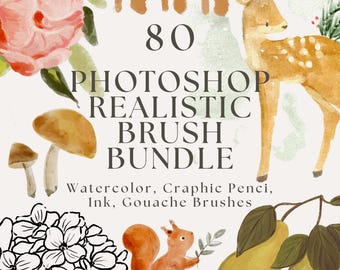
How to download and install Adobe Photoshop brushes?
Download PDF file
Click on a link in the PDF. You will be redirected to Google Drive.
Double click on a .zip archive and then press the download button that appears on the right top corner.
Open downloaded .zip archive in Files and click on it. You should see a new folder with the same name as archive.
To install do the following:
1. Open the Brushes panel in Photoshop by going to Window > Brushes.
2. Click the hamburger menu and select Get More Brushes...
3. Locate your desired brush pack.
4. Keep Photoshop open and double-click your brush pack file.
5. Your new brushes will now be installed in the Brushes panel for you to use.
Do I need to buy a commercial license for brushes?
No, the price of brushes already includes commentary licensing.
Looking for more? Find it on Etsy