


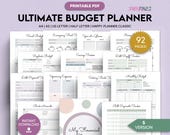

Take the "dull" out of adulting.
Featured items
All items
Announcement
Last updated on Oct 5, 2026
Reviews
4.8
(5000)
Average item review
We calculate this number using a recency-weighted average of all ratings, with a rating's value decreasing by half each year to best reflect the current experience.
Loading
-

Jae on Oct 19, 2026
5 out of 5 starsThis is perfect. It also has my brand colors, which makes my life easier.
-

Heather on Oct 18, 2026
4 out of 5 starsThis was much easier to understand while I got started. When playing with just a small personal group this worked wonderful. We don't necessarily care if it is the nationally recognized one. We are just playing to have fun and prevent Alzheimer's at the same time.
-

-
-
-
Julie on Oct 13, 2026
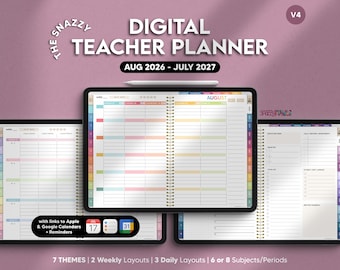
5 out of 5 starsI have just come across digital diaries since i got a tablet with a pen. Initially i bought Key2Success which is really aimed at businesses. I love your one much more. It is so easy to navigate around the day/ week /month view... Love the fact that you have a 7 days to view timeline which was the primary thing i wanted but from there you can easily click on a 7 day box view or the day view... amazingly well thought out. there are many other productivity templates but they dont clutter the core business which is the diary, navigation has been done so well in this product... I highly recommend it and it is a very good price.
-
aryel on Sep 7, 2026
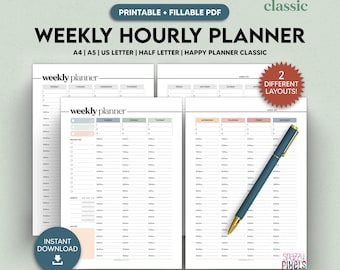
5 out of 5 starsVery helpful to keep everything organized. Just print all the pages and use what you want.
-

-
Cathaleen on Oct 14, 2026
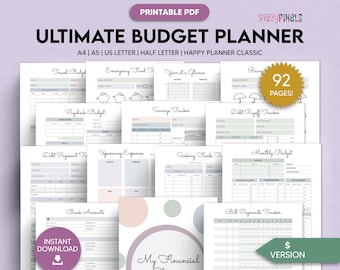
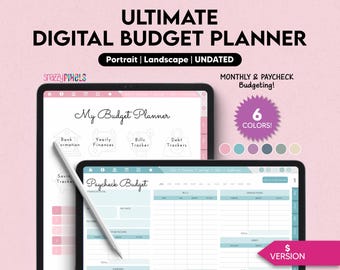
5 out of 5 starsThis budget collection is exactly as described. I love the different size options that were included.
-
About SnazzyPixels
Sales
47,704
On Etsy since 2021
-
-
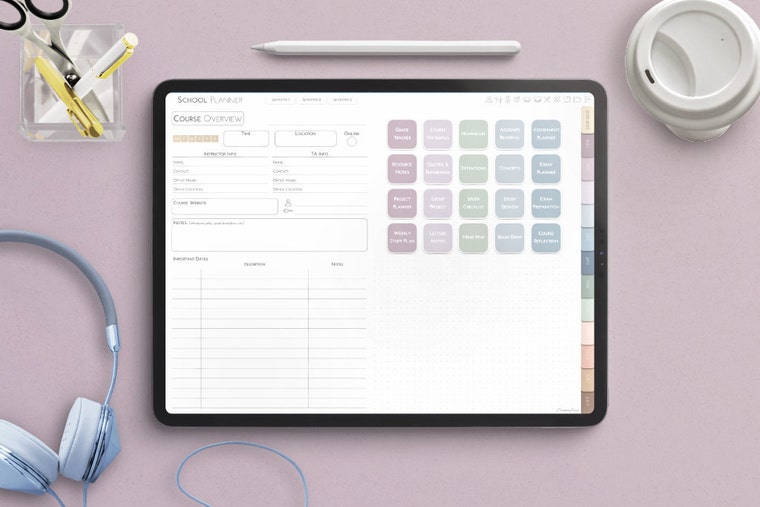 Digital Student Planners
 -
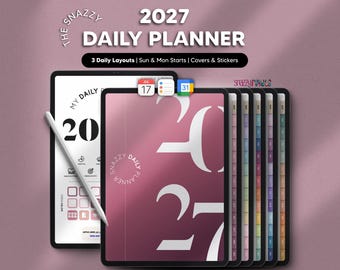
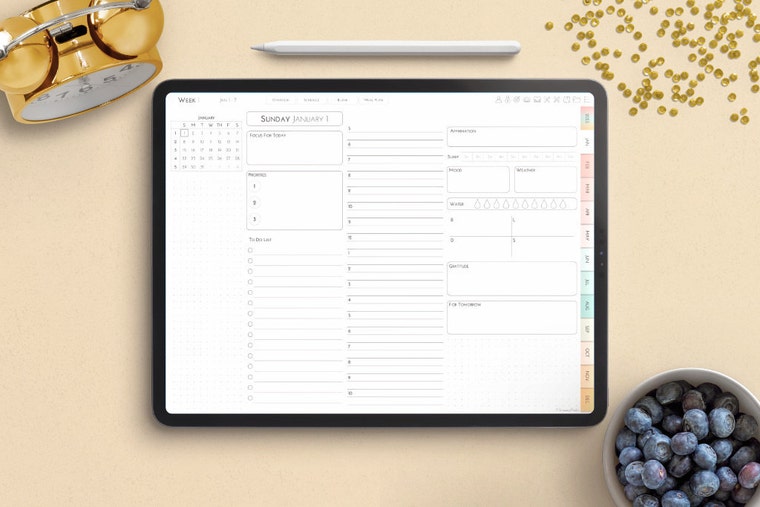 Digital Daily Planners
 -
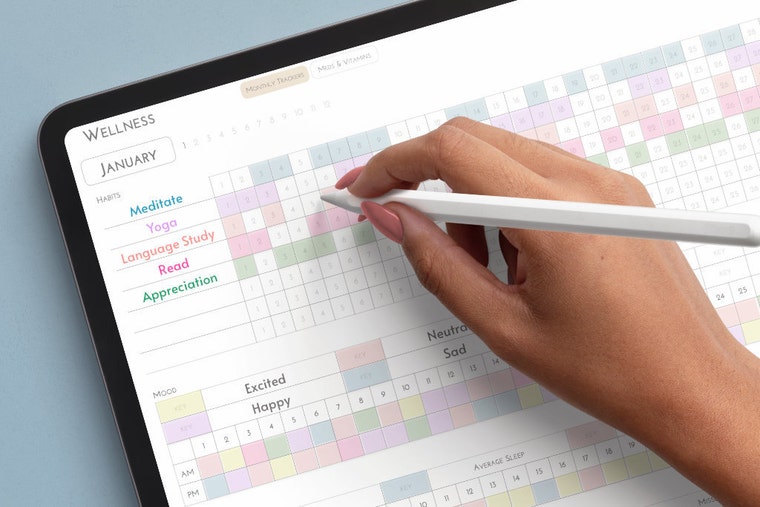 Habit trackers to reach your goals and become a better you.
Shop members
-

Sydney
Owner, Designer
Proud dog mom, avid traveler, film nerd, and fantasy book lover. For as long as I can remember, I've been designing documents & planners to tidy up my life. And SnazzyPixels is here to do just that through fun, intuitively designed digital products.
Shop policies
Last updated on Feb 11, 2025
Digital downloads
Instant downloads
Your files will be available to download once payment is confirmed. Here's how.
Payment options
Secure options
Accepts Etsy Gift Cards and Etsy Credits
Etsy keeps your payment information secure. Etsy shops never receive your credit card information.
Returns & exchanges
See item details for return and exchange eligibility.
Cancellations
Cancellations: not accepted
Please contact the seller if you have any problems with your order.
Privacy policy
More information
Last updated on
Dec 17, 2025
Frequently asked questions
What are the requirements to use a digital planner?
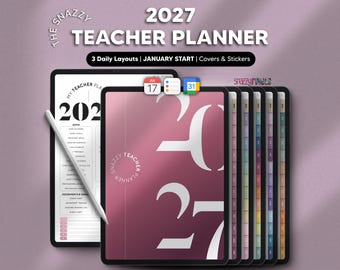
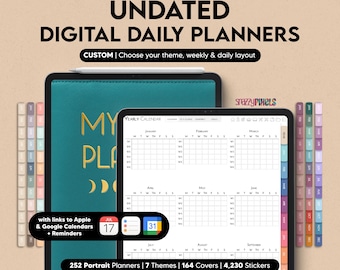
Digital Planners are hyperlinked PDF files designed to work with PDF annotation apps and tablets. I’d strongly recommend using Goodnotes, Notability, or Noteshelf (sold separately in App Store), and using it with a tablet (iPad, Samsung, etc.) and a stylus (Apple Pencil, S Pen, etc.). Make sure your tablet's software is up-to-date and you're running the latest version of your PDF annotation app. Familiarize yourself with the PDF app before purchase.
Recommended Apps for digital planning:
-iOS- Goodnotes, Notability
-Android- Samsung Notes, Noteshelf
-Windows- Noteshelf, Xodo (free)
SAMPLE DIGITAL PLANNERS at:
https://snazzypixelsstudio.com/samples/
Notes:
*NOT designed for phones and NOT designed for printing.
What printer settings should I use for Printables?
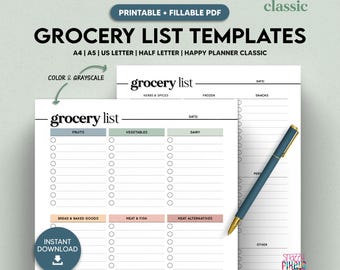
For printables, make sure you're opening the correct file for the paper size you want. Each PDF is labeled with the corresponding paper size.
When you go to print, make sure you select:
-Scale 100%, especially for odd paper sizes and files that include trim marks.
-Best Quality settings to ensure designs and colors look their best.
For more detailed instructions, please see the printing instructions PDF included with your purchase.
Refunds, Returns & Exchanges
I DO NOT accept refunds, returns, or exchanges. Because of the nature of digital downloads, they cannot be returned.
Before purchasing, please make sure that the product is suitable for your device, operating system, etc. If you're uncertain, send me a message on Etsy and I'll double-check for you and/or send you a sample to test out! :)
SAMPLE DIGITAL PLANNERS at:
https://snazzypixelsstudio.com/samples/
Custom and personalized orders
At this time, I am not accepting custom orders. If you would like a small, minor tweak to a listing you've already purchased, please message me on Etsy and I'll see what I can do. :)
What are ZIP files and how do I open them?
ZIP is a compressed file format to make it easy to upload and download multiple documents and large file sizes. ZIP files are really easy to work with, and no matter whether you're on a computer or mobile device, you can open them no problem. :)
-For Mac: download from your Etsy account to your Downloads folder, and then double click on the file to unzip.
-For Windows: download from your Etsy account to your computer, and then right-click and choose Extract Files
-For iOS: download from your Etsy account (using Safari) and save to your iCloud Files. Then tap on the file to unzip.
-For Android: download from your Etsy account (using mobile browser) and save to your Files by Google. Tap on the file and Extract.
What uses/licenses are permitted for your products?
All Snazzy Pixels Studio products are for PERSONAL USE only. This means that they are for you only.
PERSONAL USE LICENSE:
-One licenses per user and for personal use only.
-You CANNOT redistribute, sublicense, resale, share, transfer or otherwise offer the item to anyone else, not for free or financial gain.
-You CANNOT sell the product for commercial purposes, or use it for financial gain in any way.
-You MAY NOT falsely represent, express, or imply that any product was created by you or anyone other than Snazzy Pixels Studio.
Looking for more? Find it on Etsy